Wrong Vehicle is Displayed in CarPlay
I have two EVs on my ABRP account: a Chevy Bolt and a KIA EV6. ABRP seems to prefer the Bolt… After a trip in the Bolt, simply changing the vehicle selected in Setting is not sufficient to change the vehicle displayed on the CarPlay screen (but it does change on the phone). I think the attached screen shots show what is going on. Eventually the CarPlay display does start showing the correct vehicle, but when that happens is not predictable and I haven’t found a way to force it.
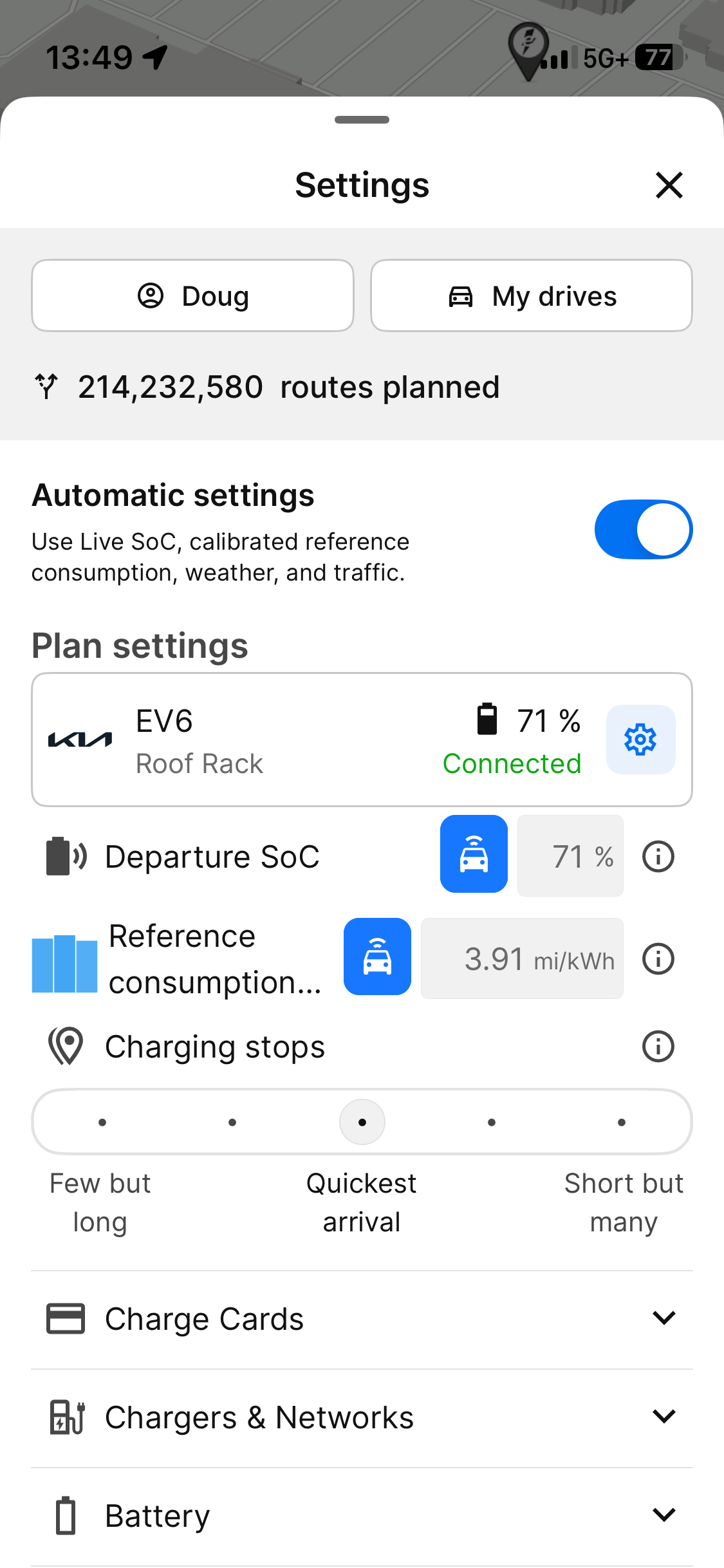
The selected vehicle is the EV6:
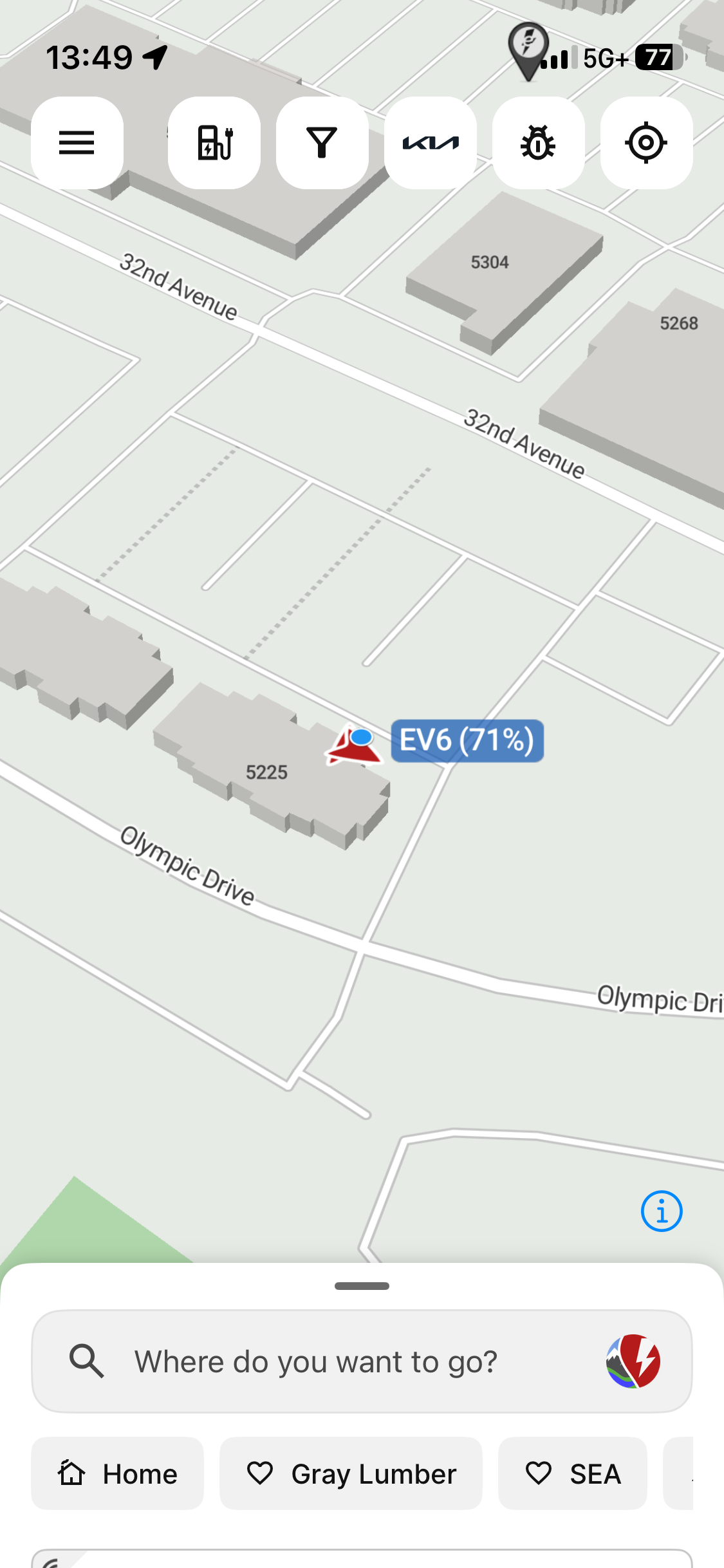
And the vehicle shown on the phone display is also the EV6:
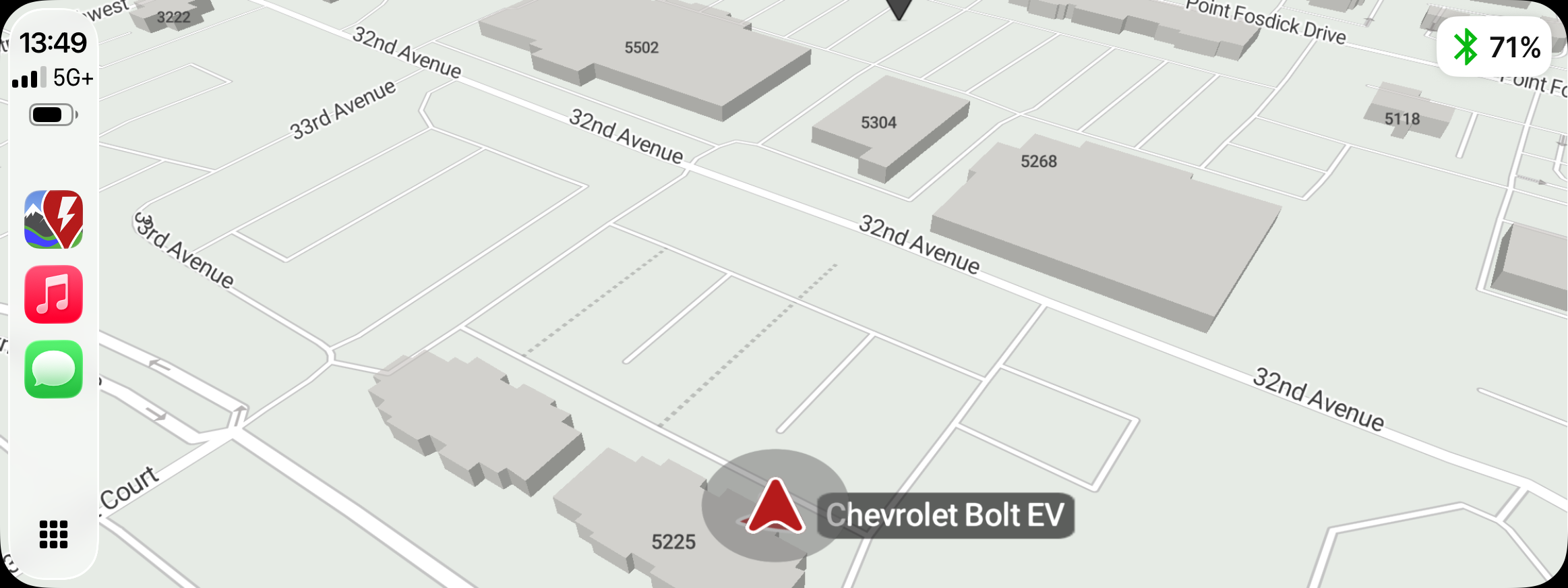
But on the CarPlay display the vehicle claims to be a Chevy Bolt:
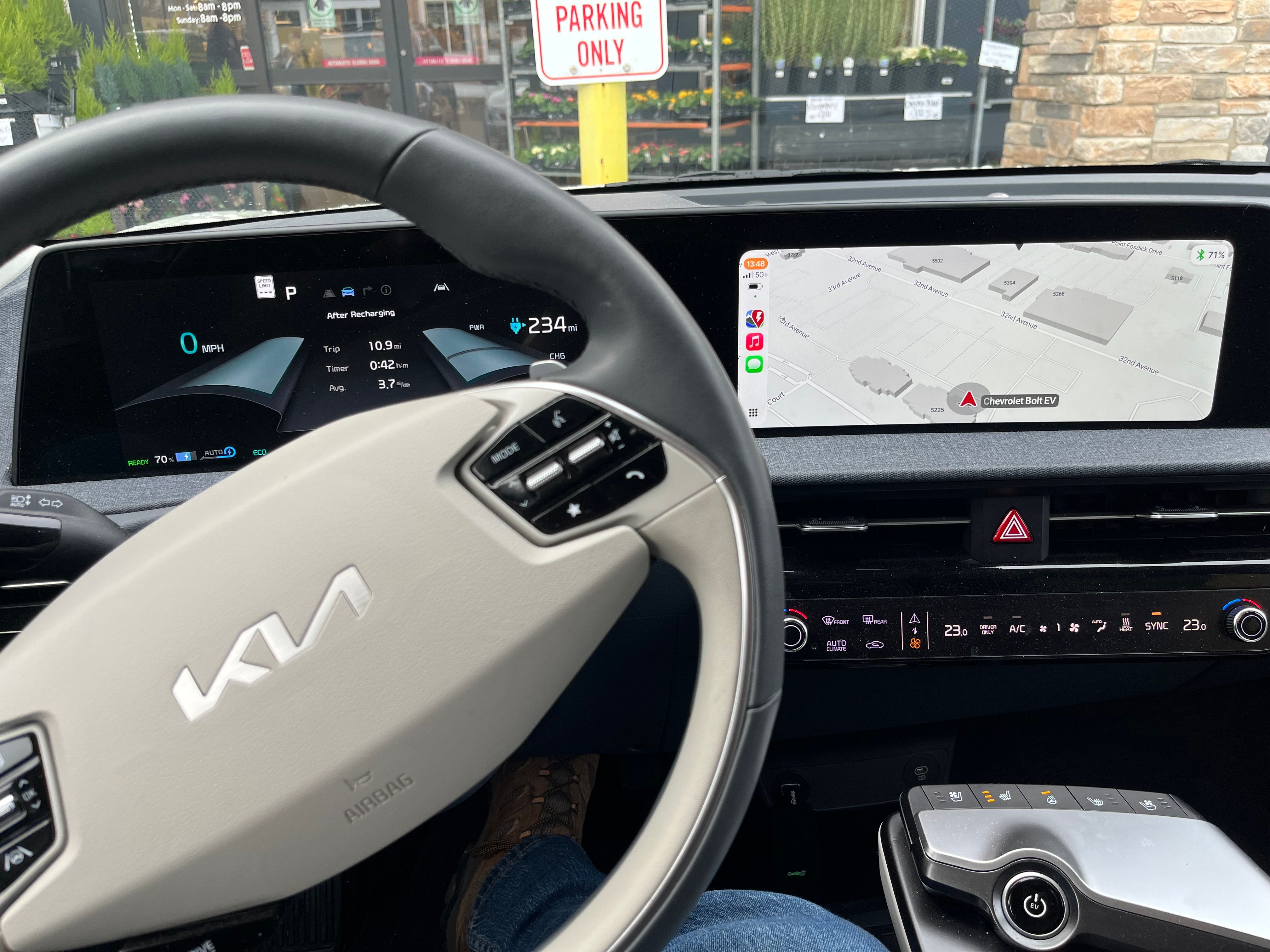
Here you can see that I really am driving an EV6:
- Where does this happen?
- ABRP version number (found at bottom of settings menu)
Log in to comment and vote
Comments3
Bo (ABRP)
Jan 5
Thank you for reporting and testing our Beta! Judging from your photos/screenshots it looks like it is mostly our display which is confusing - the currently selected vehicle does not get a “badge” with name on the map, instead it get the circled vehicle marker. In your case the EV6 is on top of the Bolt, but the badge of the Bolt is still visible.