Weird planing
The app is getting weirder and weirder. How are we supposed to trust the charging schedule with this kind of planning? Samsung Galaxy S23 Ultra, One UI 8.0, Android 16
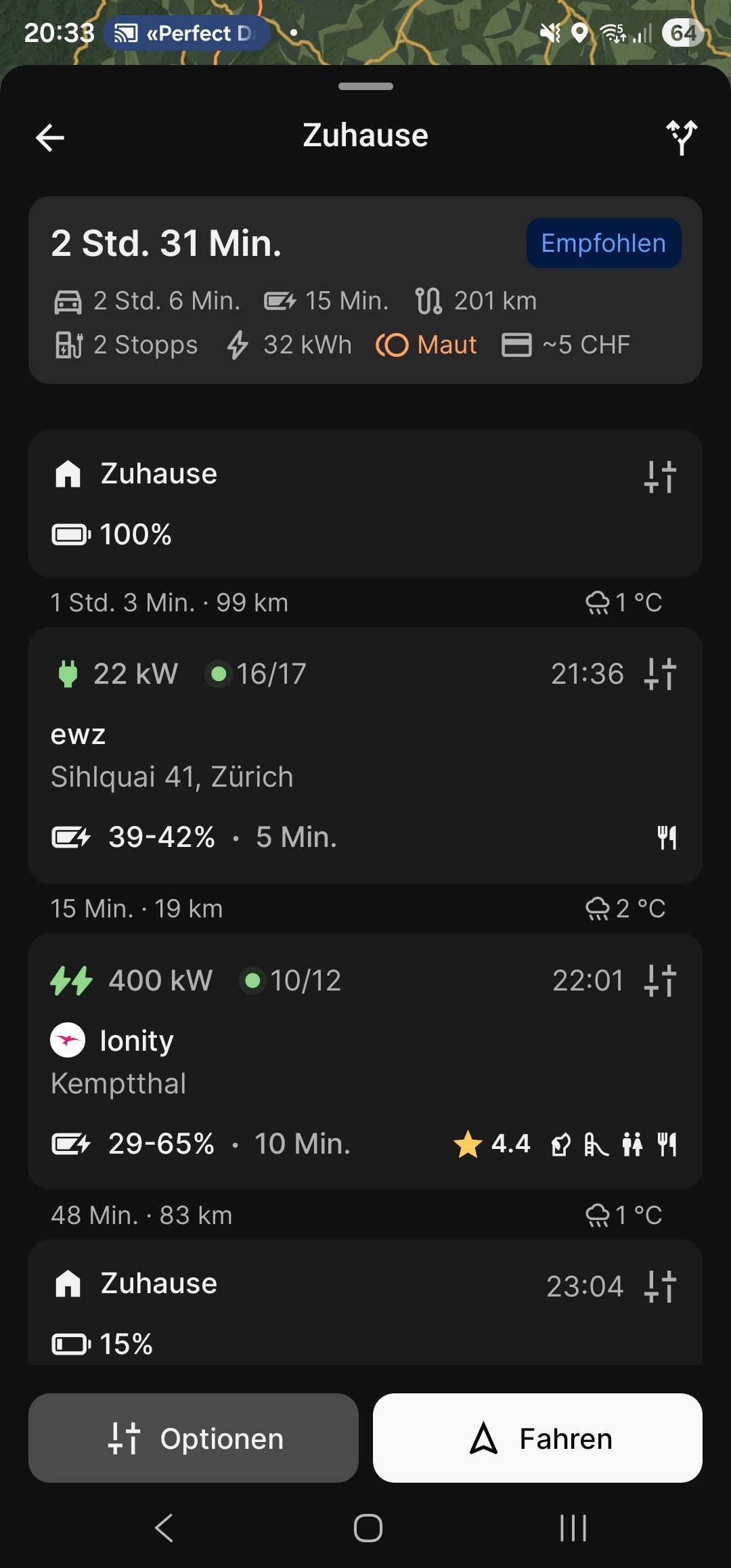
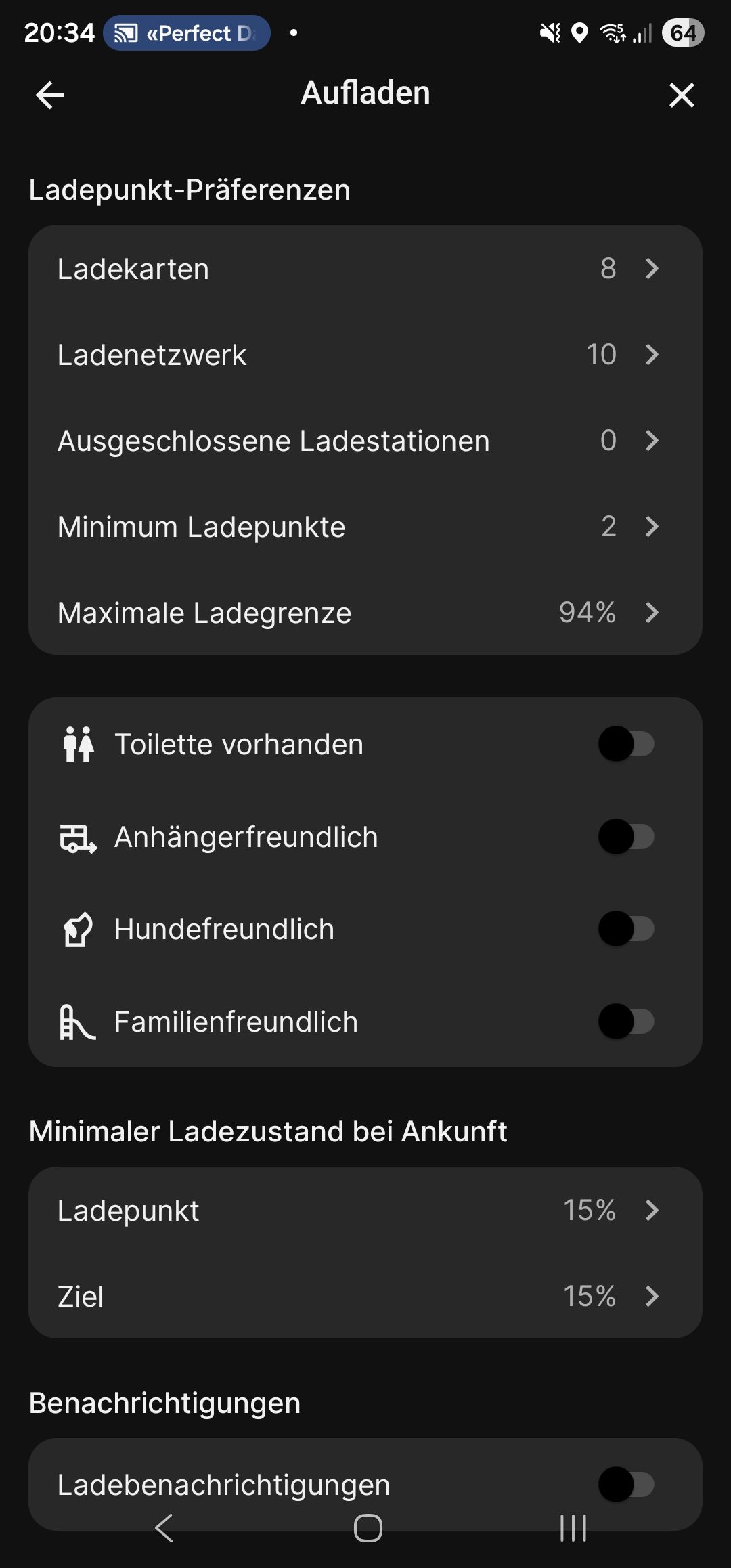
- Where does this happen?
- ABRP version number (found at bottom of settings menu)
Log in to comment and vote
Comments3
Mar 16
PinnedHi,
Please provide a link to the plan where this occurs. To do this;
Plan the trip in ABRP
Click/tap: ‘Share plan’
Click/tap: ‘Share ABRP link’
Paste the URL here
⚠️ IMPORTANT: Please exclude private addresses and the use of ‘my position’, home, work, etc., from the plan you post here publicly.
Micca
Mar 16
https://abetterrouteplanner.com/?plan_uuid=2-69b7fa8f-5b3a35e56a5d8b1247d28322
Linda ABRP
Mar 16
Thanks. You have selected a slow charger and we don’t think it’s worth charging there so the app adds a fast charger. If you just wants to charge at the slow charger need to set a time or a percent in the charger settings.