Text input reverses subsequent characters when cursor is returned to start of text
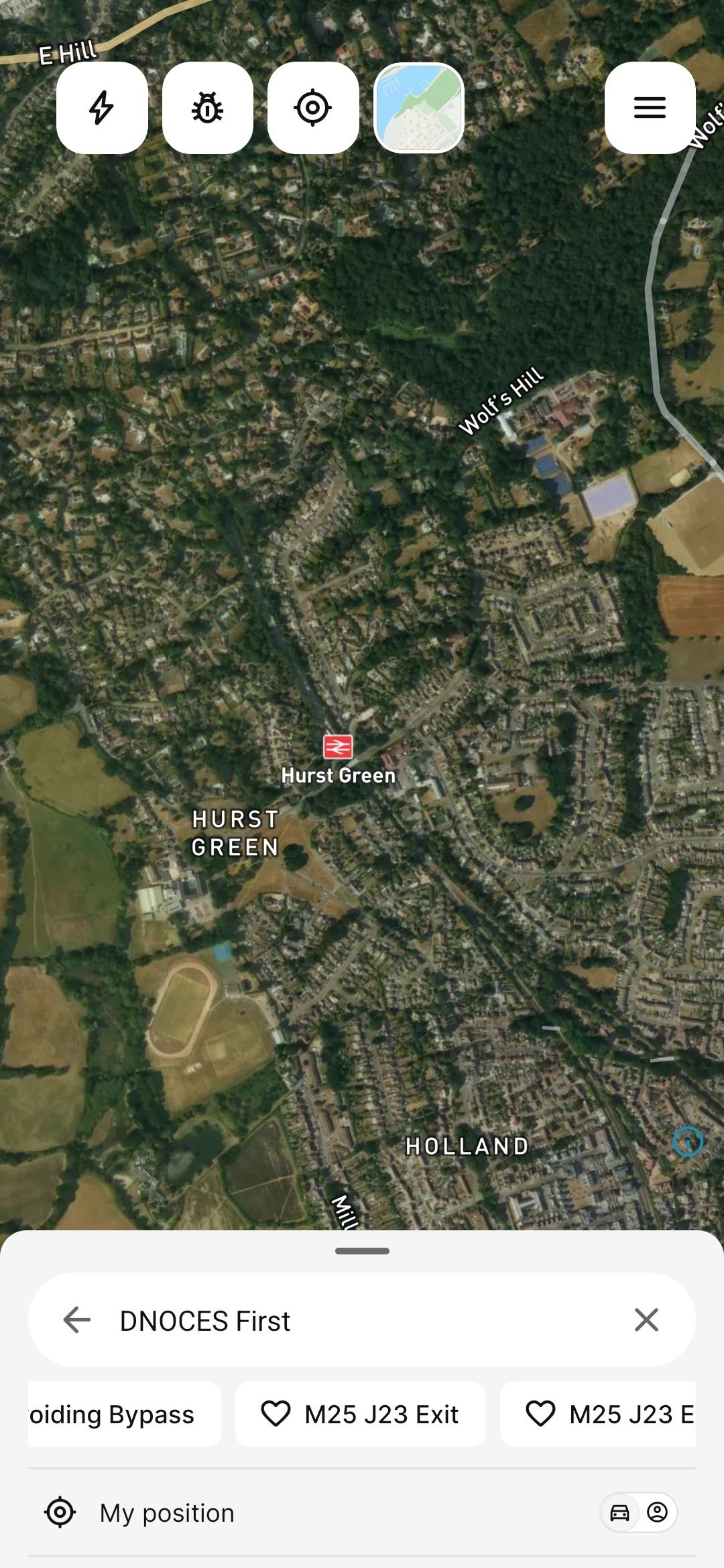
Typing into a text field works correctly at first, but if the cursor is moved back to the start of the existing text and typing resumes, each new character is inserted in reverse order the cursor appears to reset to position 0 after every keystroke instead of advancing. This affects text input generally (observed in both the search field and bookmark naming).
Steps to reproduce:
Type into a text field (e.g. search or bookmark name).
Move the cursor to the very beginning of the text.
Type another string (e.g. "Second").
Observe the result: "DNOCES First" instead of "Second First".
- Where does this happen?
- ABRP version number (found at bottom of settings menu)
Log in to comment and vote
Comments1
Linda ABRP
Sep 1
Hi
Thanks for reporting this. I have sent it to my colleagues.