Tesla Live Data stuck on Tesla logo - authorization never loads
Premium ABRP subscriber. When I click "Connect to Tesla" under Live Data over the Air, the Tesla Live Data dialog opens but gets stuck indefinitely on the red Tesla logo screen. The Tesla login/authorization page never loads.
Steps tried:
Both web browser and ABRP mobile app - same issue on both
Logged out and back into ABRP account
Disabled ad-blockers, allowed pop-ups for abetterrouteplanner.com
Cleared browser cache and cookies
Tested in incognito/private mode
Tesla mobile app works fine, vehicle is online
Checked Third-Party Apps in Tesla account
ABRP updated to latest version
Vehicle: Tesla Model Y Juniper (2025) Region: Turkey (EU) Device: IOS ABRP version:

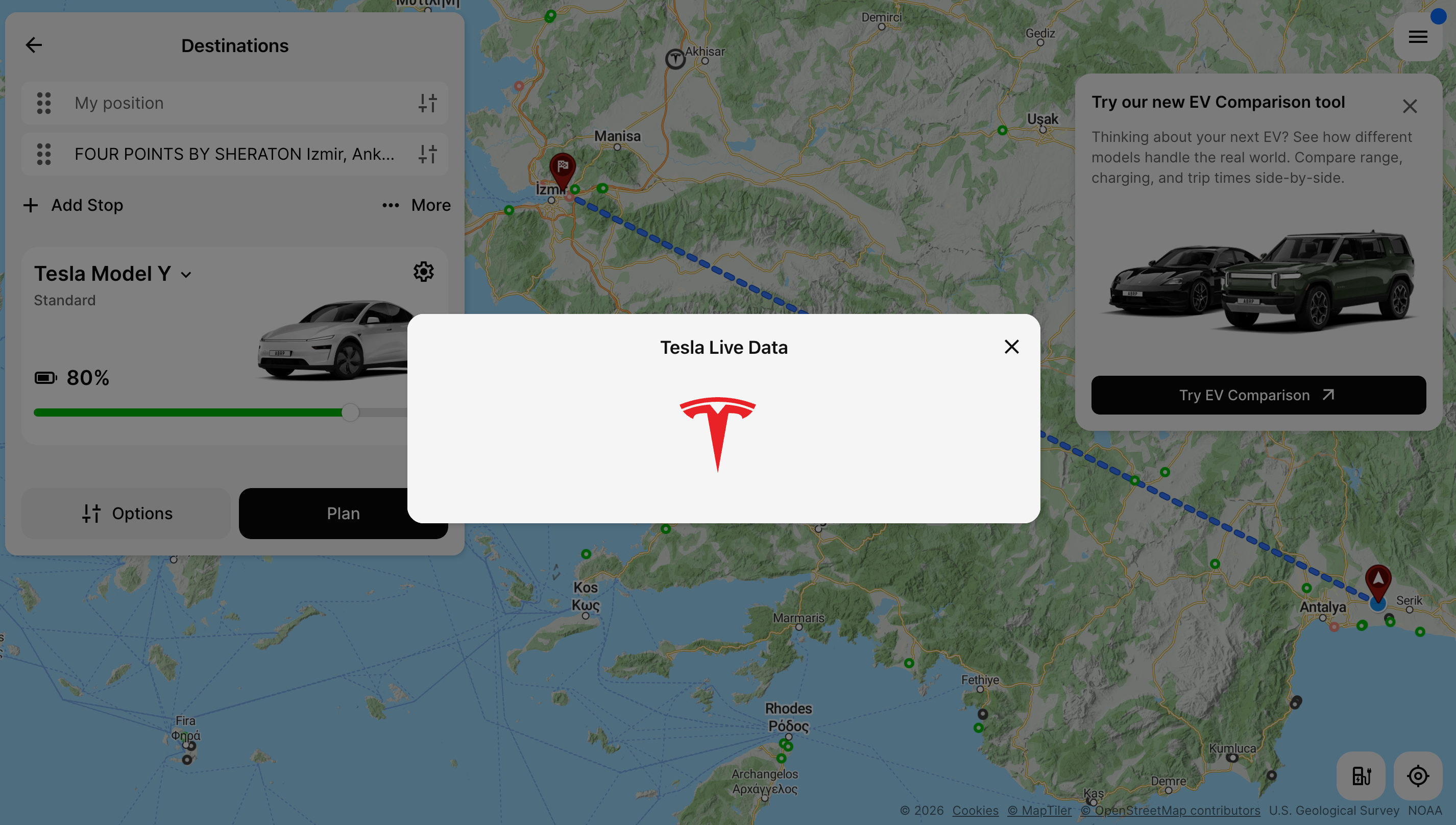
Screenshot attached showing exactly where it freezes.
- Where does this happen?
- ABRP version number (found at bottom of settings menu)
Log in to comment and vote
Comments2
Bo (ABRP)
Apr 29
Thanks for reporting! How do you get to this screen? Is it after pressing “Link with Tesla” in connect live data? Or is it after you log in with Tesla?
Alp Tasci
May 3
It happens after logging in with Tesla. The Tesla login page loads, I enter my credentials, and it redirects back to ABRP — but then it gets stuck on the loading screen with the Tesla logo and never completes the connection.