SoE missing in ABRP app
Hello,
Thank you for your great product. It helped me a lot when deciding if I should purchase an EV and now I purchased the premium membership to use it for daily driving on my Kia EV6.
I would like to report that the soe telemetry key recognized by the Telemetry API is missing in the app.
Why it is needed?
Beside ABRP I use CarScanner to snapshot key values before and after each charging to track how the paid kilowatthours convert to the energy content of the battery & how much the car infotainment is deceiving in the shown consumption data.
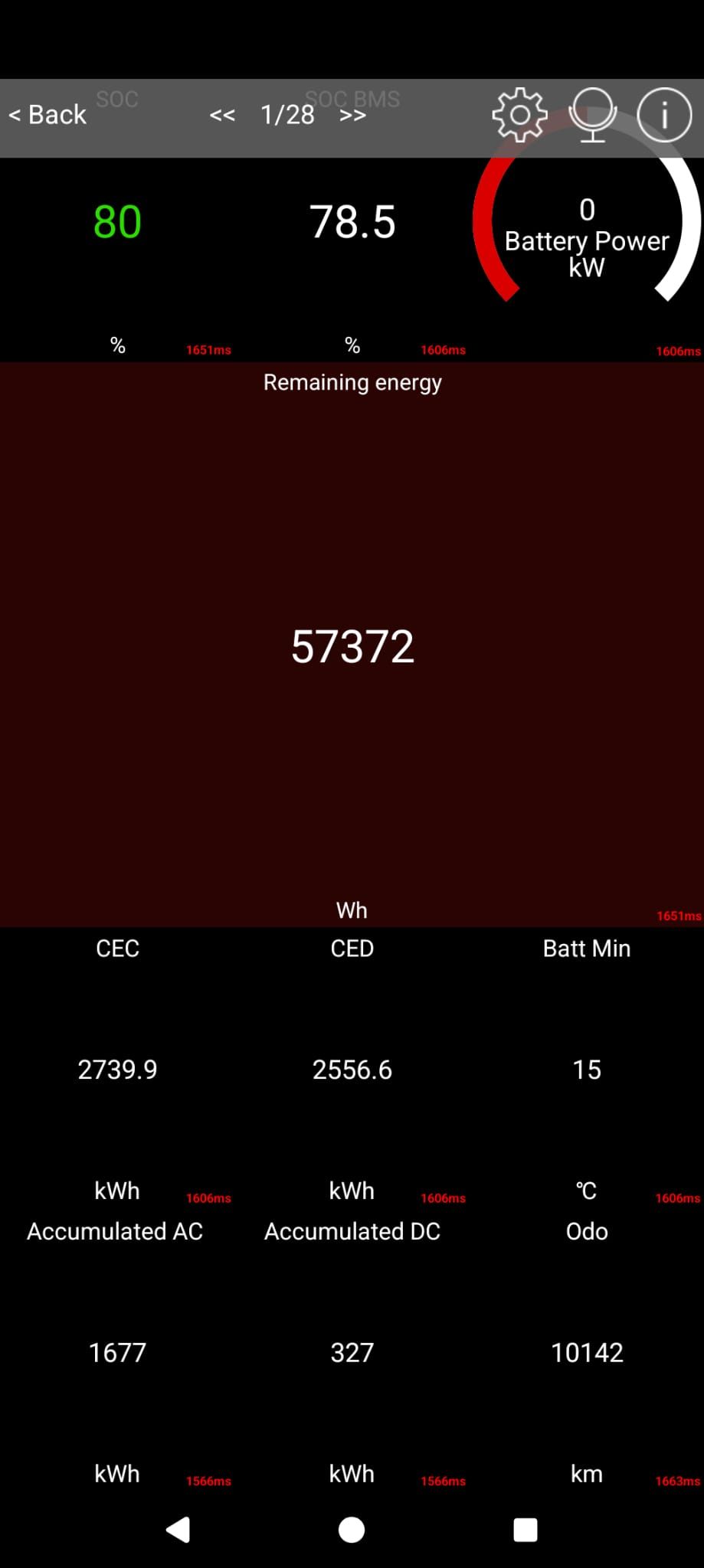
Naturally, both ABRP & Car Scanner fight for the bluetooth device, not working together. I have to kill ABRP to connect Car Scanner. Sometimes I have to completely disconnect the Android Auto as it keeps ABRP running & blocking the device.
So I explored & found that there is the mighty OBD Pid Editor. I hacked a bit to find out that the Remaining energy (the most important data item) can be retrieved from my EV6 by OBD Command 220105 and equation ((ac<8)+ad)*2/1000.
Now I would like to display it on this screen:
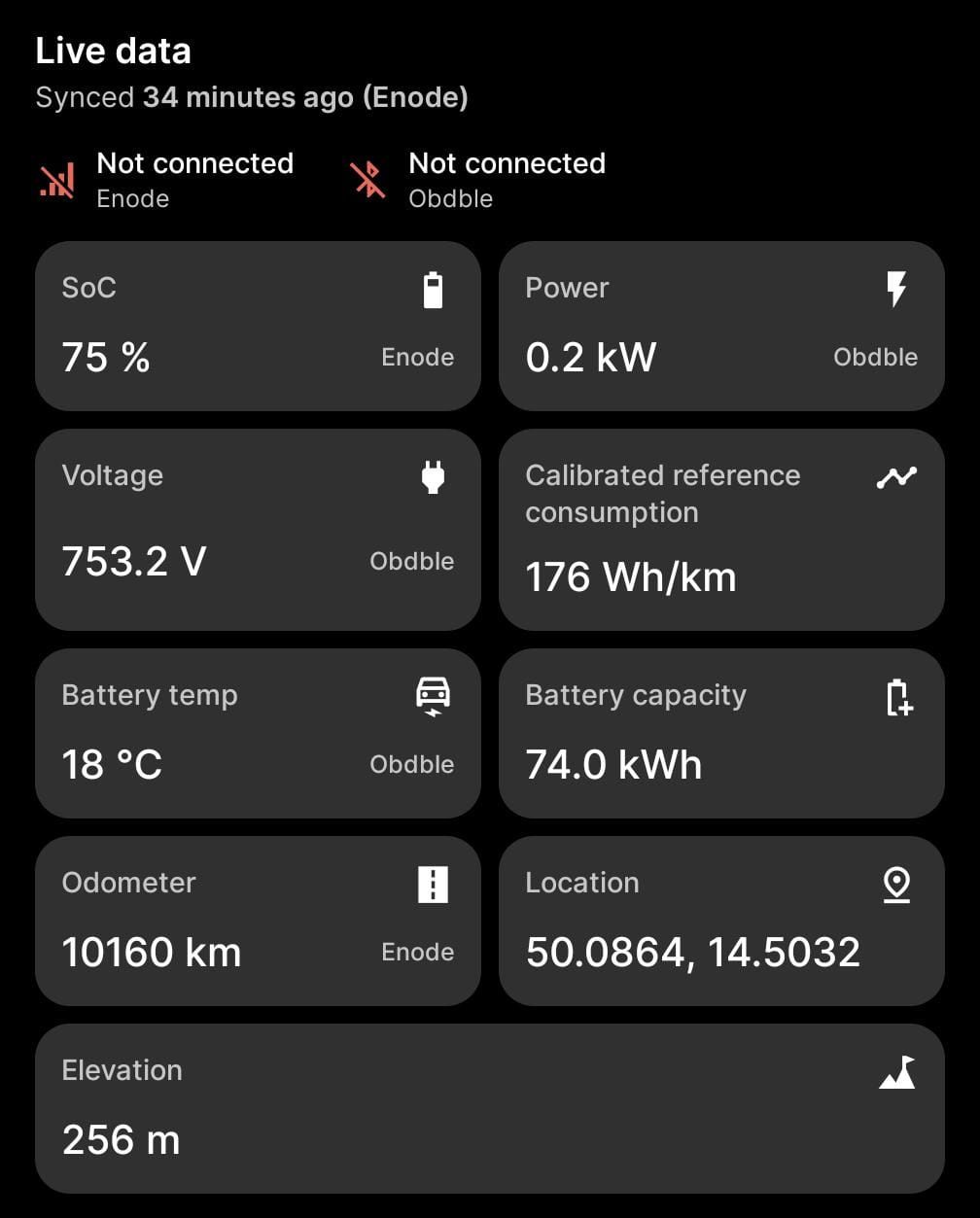
I tried the capacity telemetry key but it interfered with the planning as the app thought my full battery capacity shrinks as I drove.
In the API Documentation I found that soe is what I need but I can not assign this telemetry key via the UI. I tried some other cryptic keys like _ahrRes or soc_factor but none was displayed in the tiles UI despite showing up successfully in the Test Pids UI.
So, please allow selecting soe as the telemetry key & display it in the Live data screen.
- Where does this happen?
- ABRP version number (found at bottom of settings menu)
Log in to comment and vote
Comments2
Manuel (ABRP)
Apr 22, 2025
Thank you for reaching out to us and providing such valuable input. :)
I just finished implementing everything on the app side to show SoE and also updated the OBD pids with your equation.
All this should be coming out in the next few days on the next ABRP release (5.7.5).
Bo (ABRP)
Apr 14, 2025
Thanks for the detailed input! We will try adding this PID and also show you the remaining battery capacity in the live data if we can read it out like you say.