Problem with vehicle location in Hyundai IONIQ 5
Hi, I am trying to use ABRP in one Android tablet connected with my telephone hotspot.
As I have understand the arrow is the last destination with the navigation and the blue dot is the car. If I turn on navigation, the map scrolls and follows the route with the arrow in the center, but I can't get it to rotate to follow the drive direction it always points north even if .
The problem is when I don't use the navigation, I can't get the map to scroll following the blue dot. The blue dot slowly moves off the map, and if I press the button to center, it re-centers, but again the map is not scrolling, so slowly the blue dot will exit from the map.
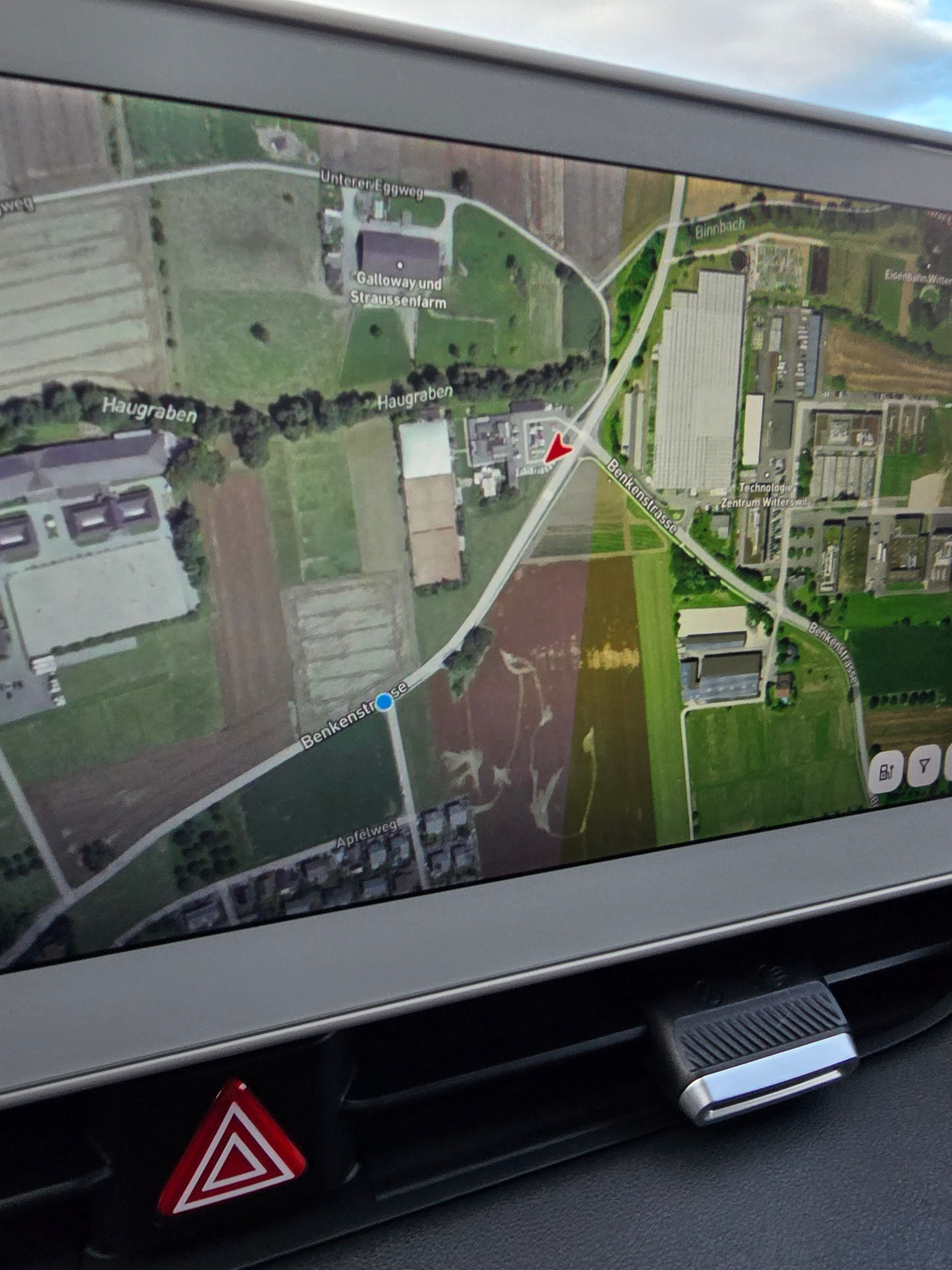
- Where does this happen?
- ABRP version number (found at bottom of settings menu)
Log in to comment and vote
Comments3
Dec 5, 2025
PinnedHi @Massimo Morganti,
Looking at the screen, you seem to have mirrored the regular Android app for use in the vehicle screen instead of using ABRP in Android Auto - is that correct?
For the regular Android (and iOS) app, we do not have a “free driving mode” such as for Android Auto (and CarPlay), so this behavior is to be expected unless you’ve started navigation for a planned route.
Massimo Morganti
Dec 6, 2025
Hi yes, I have the ABRP subscription, but I have a car with Android as ICE, so I can enjoy Netflix during the charging time. Is so complite to add the “free driving mode” into Android ? It’s nice use it during the normal drive and then switch to the Navigation mode when is need. Like Google map or Waze or tom tom.
Katya S.
Jan 20
For now, given that it increases resource consumption, it is not something we intend to change.