Newly Tesla Y 2026 80kw battery profile corrupted on ABRP side
The newly added profile for Tesla Y LR RWD 5M Battery seems corrupt .
It won’t show vehicle image and all planning results in an error (see pic below)
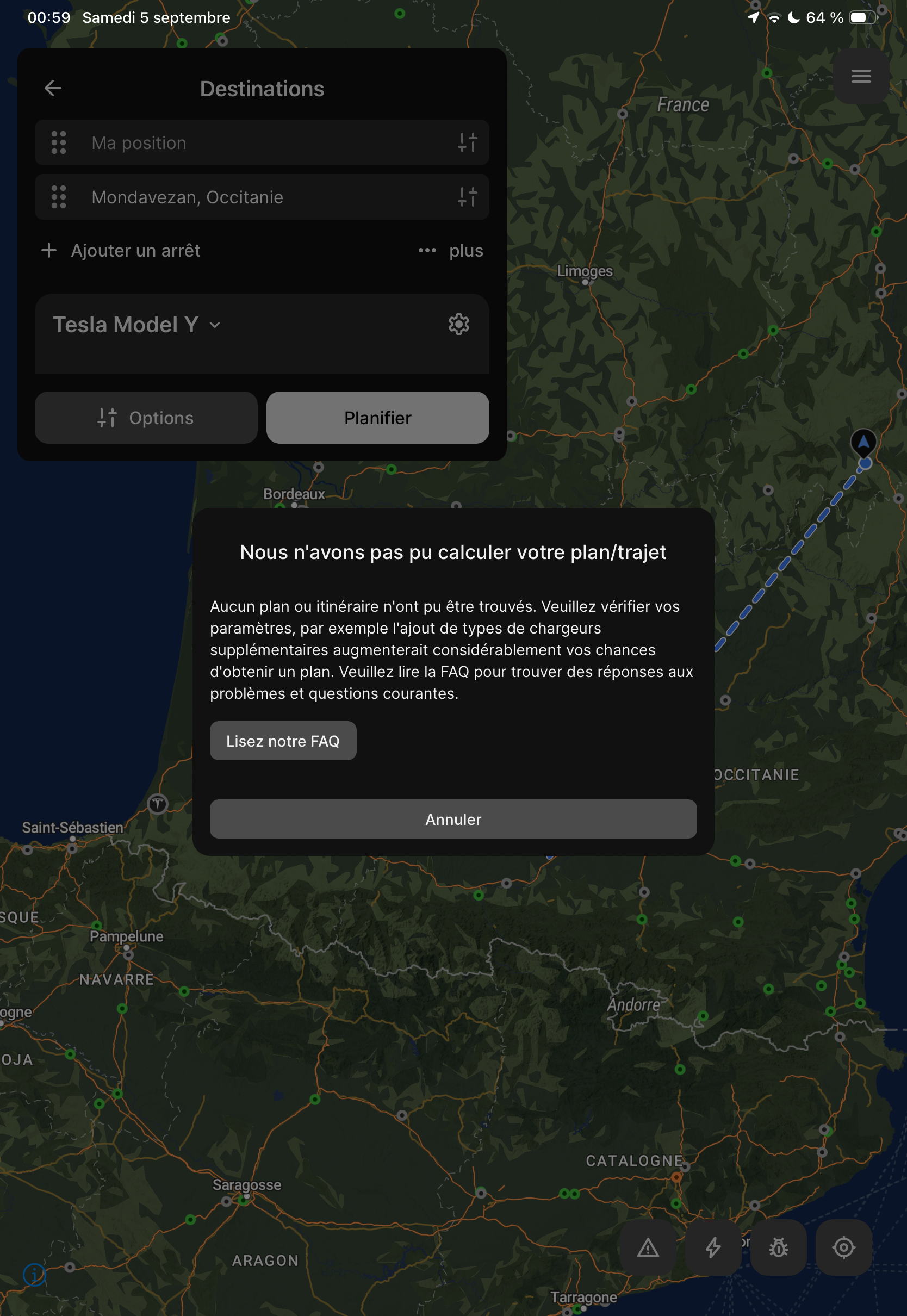
- Where does this happen?
- ABRP version number (found at bottom of settings menu)
Log in to comment and vote
Comments7
Johannes ABRP
Sep 9
Hi,
All good now, you should see the car image, and planning should work as expected.
This was a bug on our part, related to some specifics in the configuration. I’m sorry you suffered the consequences, but I’m very grateful that you reported it, as it managed to slip through all testing.
I really appreciate you patience, happy driving!
Linda ABRP
Sep 8
Hi
Have you tried to reselect the car from the vehicle list?
ABRP User #720728
Sep 8
Yes of course, it simply does not work. No car image is showing when this car is selected, and all route planning give an error. Please check/reupload the profile on your side it must be corrupted since:
i reselect the car, even remove it and rechoose and still an error ❌
i logged out/in of ABRP and still an error ❌
I killed the app and relaunch and still an error ❌
i checked I have the latest iOS/ipadOS version and ABRP version
Note that if I choose another Tesla Y version it works (shows car image and routing is ok) but battery is not correct size and calculations are wrong so it’s useless
Linda ABRP
Sep 9
Can you give us access to look at your account? https://accounts.abetterrouteplanner.com/portal/support-access
ABRP User #720728
Sep 9
Yes, go ahead.
Linda ABRP
Sep 9
There was some issue because of the 19" wheels but it’s fixed now. Can you refresh the app or log out and in and see if it works now?
ABRP User #720728
Sep 9
It works, on all platforms. Good job.
I had to log out/in and reselect the car and now the image of the car is properly displayed and the route planner is fine