"My position" glitch
After returning to home on the west coast ABRP initially remembered my last location on the other side of the country. Then it figured out that I was back on the west coast, and recalculated its last route. But when I asked it to restart (on my way to planning a new route) it used my old location on the east coast. That seems both counterintuitive (I would expect it to start with my actual location) and inconsistent with how ABRP works (since even if I planned the route from my old location, when I started navigation I’d expect it to “teleport” to my current location).
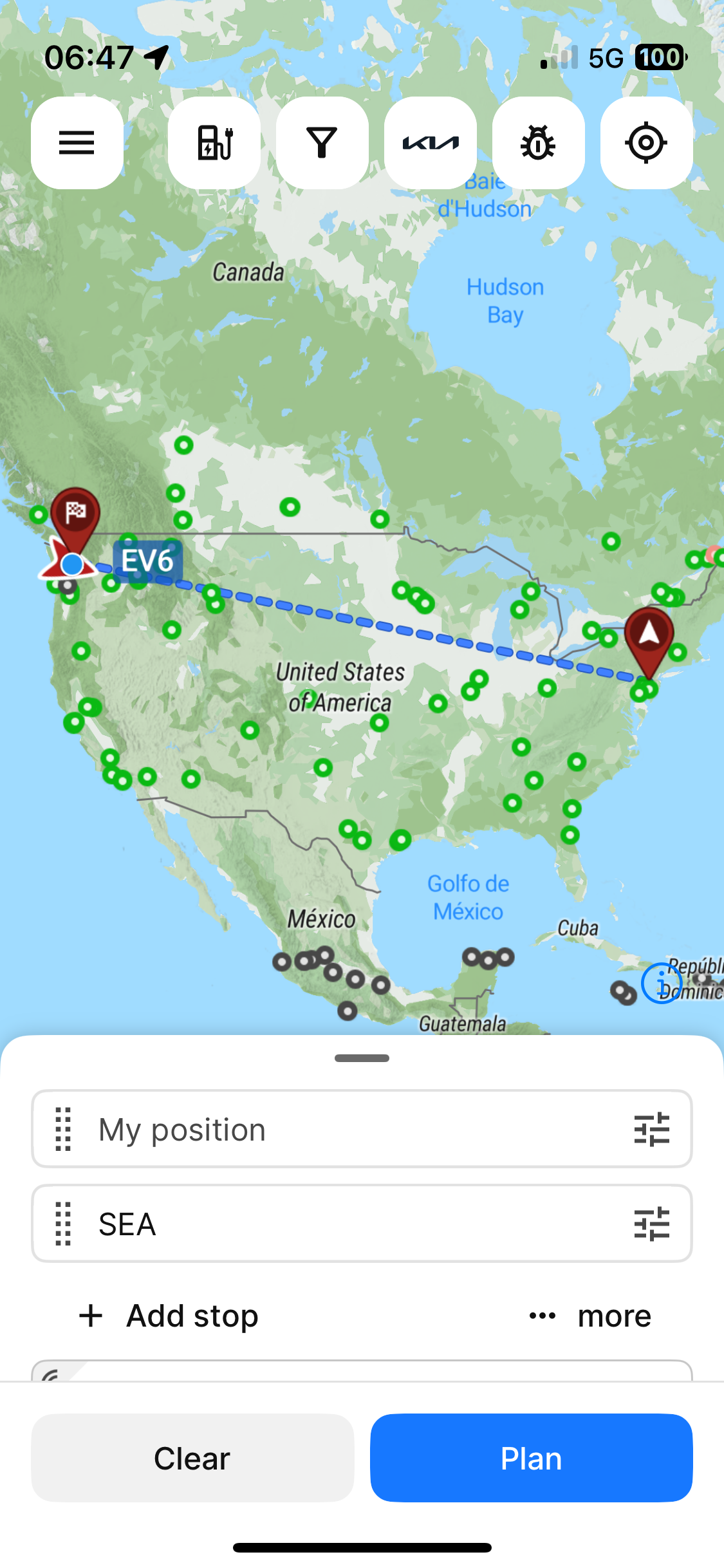
”
- Where does this happen?
- ABRP version number (found at bottom of settings menu)
Log in to comment and vote
Comments3
Linda ABRP
Sep 2, 2025
Hi
Can you try to delete the app and install it again?
ABRP User #811399
Sep 2, 2025
Same version or the latest? I’m using ABRP betas through TestFlight. Does it delete and reinstall when updates come out?
Linda ABRP
Sep 3, 2025
It depends on what the problem is. It can work with the same version. If you delete and install the app we hopefully update you to the correct My position.