Manual SoC adjustment buttons disappear after first charging stop (iOS)
Hello ABRP Team,
I would like to report a reproducible issue with the manual SoC adjustment during navigation.
Environment
App version: ABRP 7.1.4 (5924)
Device: iPhone 17 Pro
iOS: Latest available version
Vehicle: VW ID.7 Pro S Tourer
Live Data: Disabled (no OBD, no Enode, no vehicle connection)
ABRP plan: Free
Issue
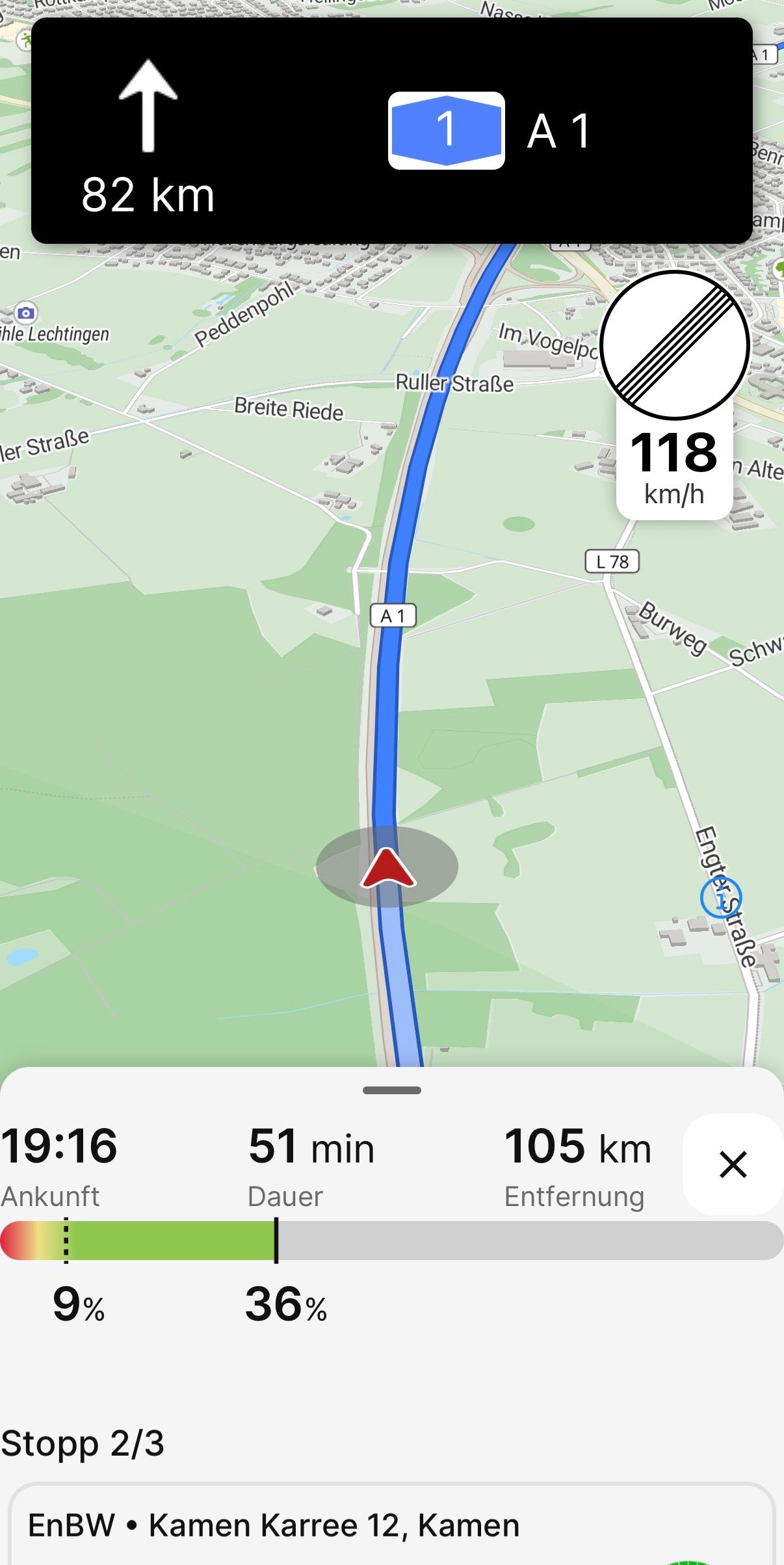
The +/- buttons for manually adjusting the State of Charge (SoC) are available when I start navigation. However, after the first planned charging stop, the buttons disappear or only Show up for a second and remain unavailable for the rest of the trip.
Steps to reproduce
Start a route in ABRP.
Drive to the first planned charging stop.
Charge the vehicle.
Tap Continue to resume navigation.
Open the SoC adjustment.
The +/- buttons are no longer visible, so the SoC cannot be adjusted manually.
Expected behavior
Since Live Data is disabled, the manual SoC adjustment buttons should remain available throughout the entire trip, including after charging stops.
Actual behavior
After pressing Continue following the first charging stop, the +/- buttons disappear. Restarting the navigation does not help.
The problem is consistently reproducible on my device.
Please let me know if you need any additional information, logs, or a screen recording. I would be happy to help.
- Where does this happen?
- ABRP version number (found at bottom of settings menu)
Log in to comment and vote
Comments1
Linda ABRP
Aug 3
Hi
This is fixed and will be out with 7.1.5.