Login on different device with ABRP app
The text to follow using Login with ABRP app hasn’t been updated to reflect the UI changes in 7.x
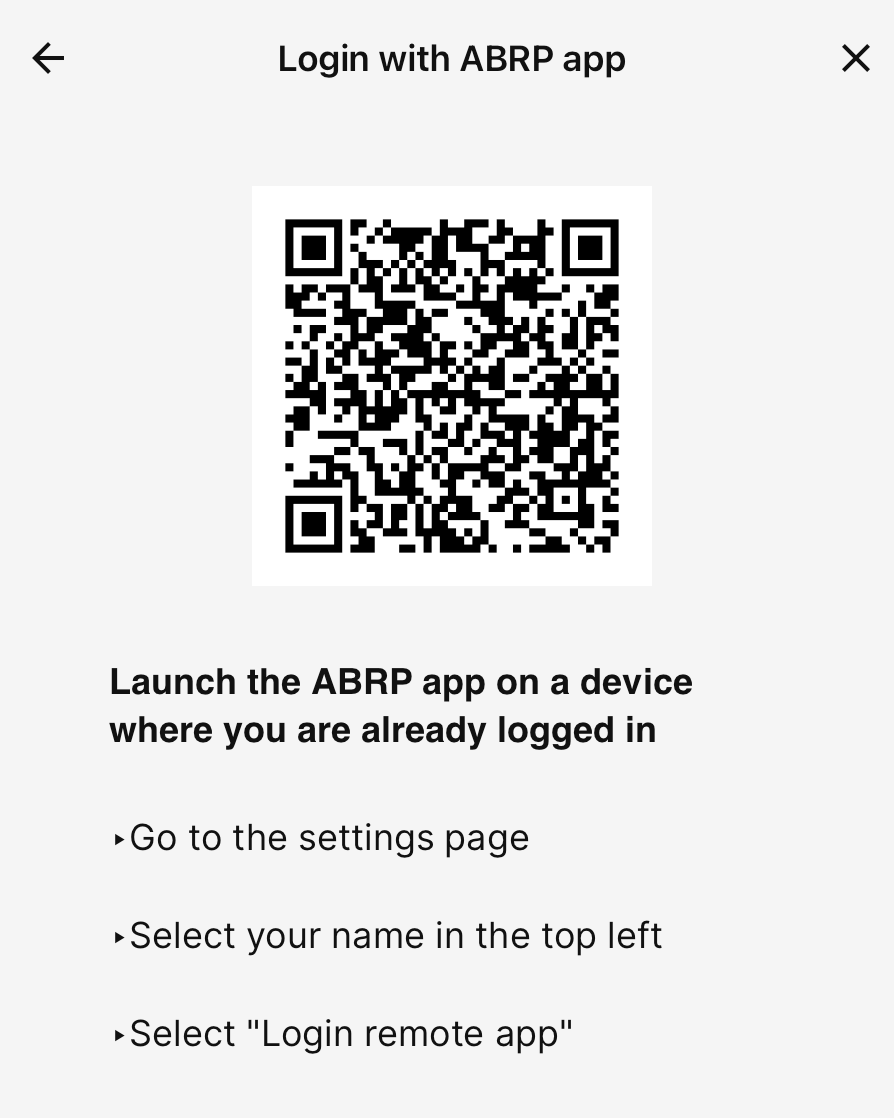
Should read something like:
Go to the Settings Page
→ Account
→ Sign in with your phone
- Where does this happen?
- ABRP version number (found at bottom of settings menu)
Log in to comment and vote
Comments2
Linda ABRP
Mar 5
The text is updated and will be correct in release 7.0.4.
Linda ABRP
Feb 26
Hi
Thanks for reporting this. I will send this to my colleagues.