Live Data falls, Manual correction falls also
Yesterday my Bluetooth failed.
So the plan started with live Data Connection and i started to Drive.
After a couple of mintues the Bluetooth failed. No live Data anymore.
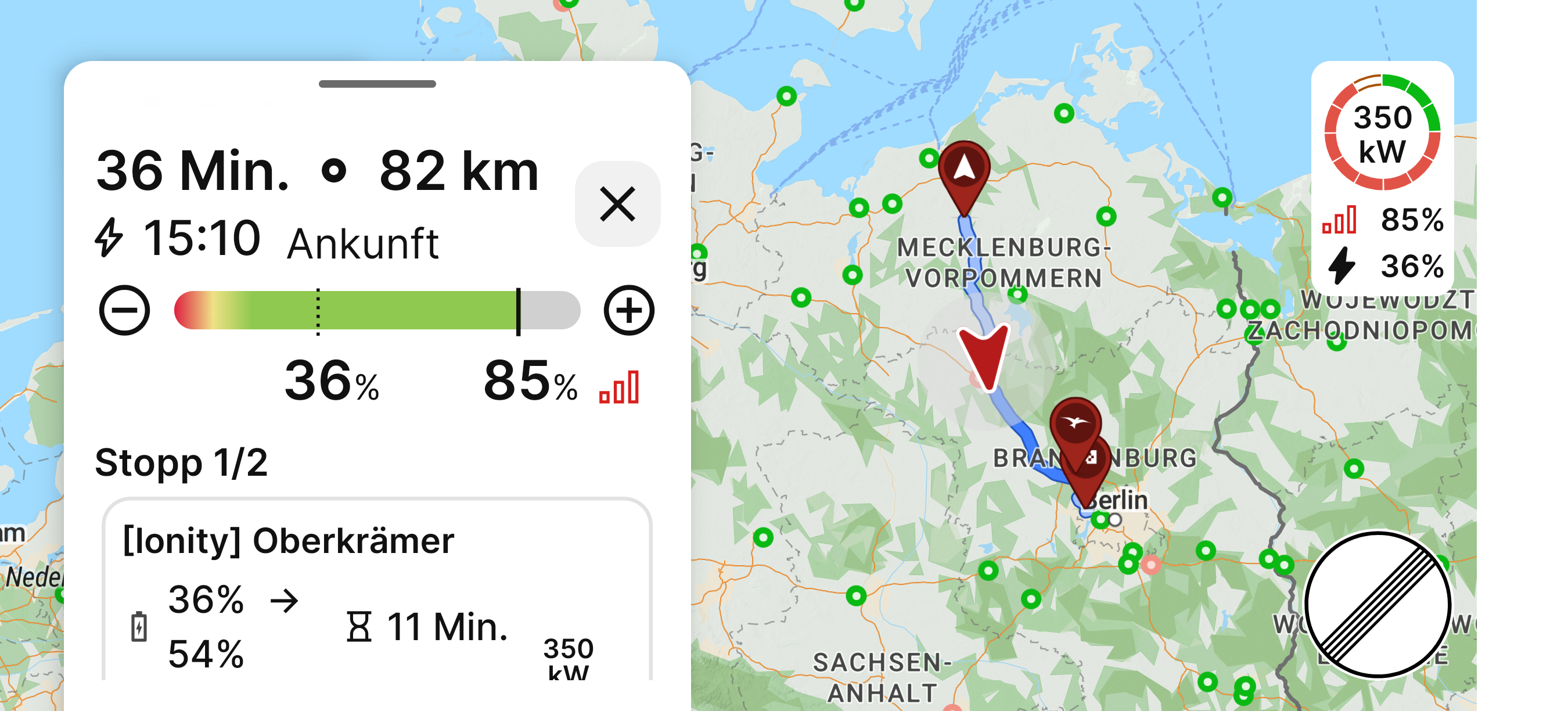
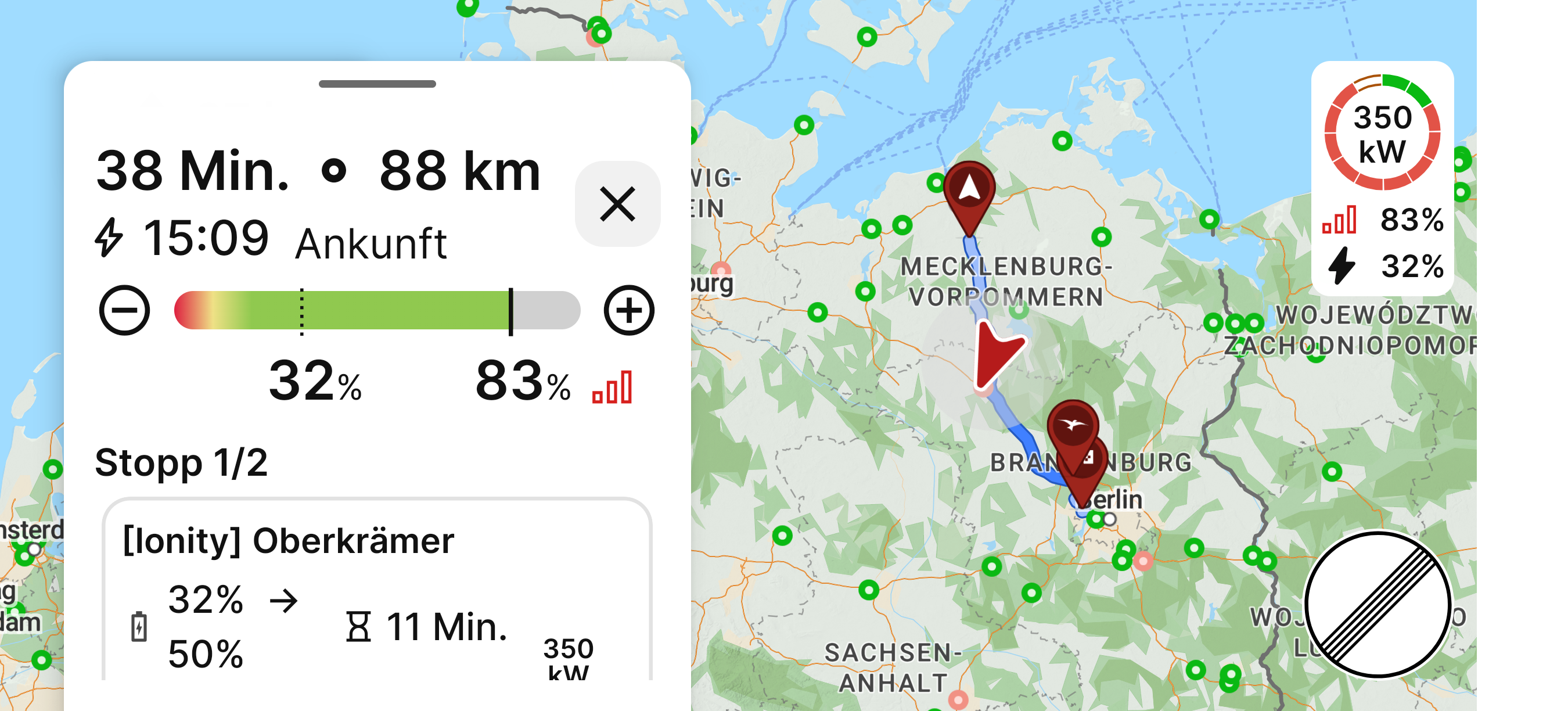
Luckily i found the minus and plus in the driving Screen to correct the soc to the current state .
And then - imho - the bug pios Up.
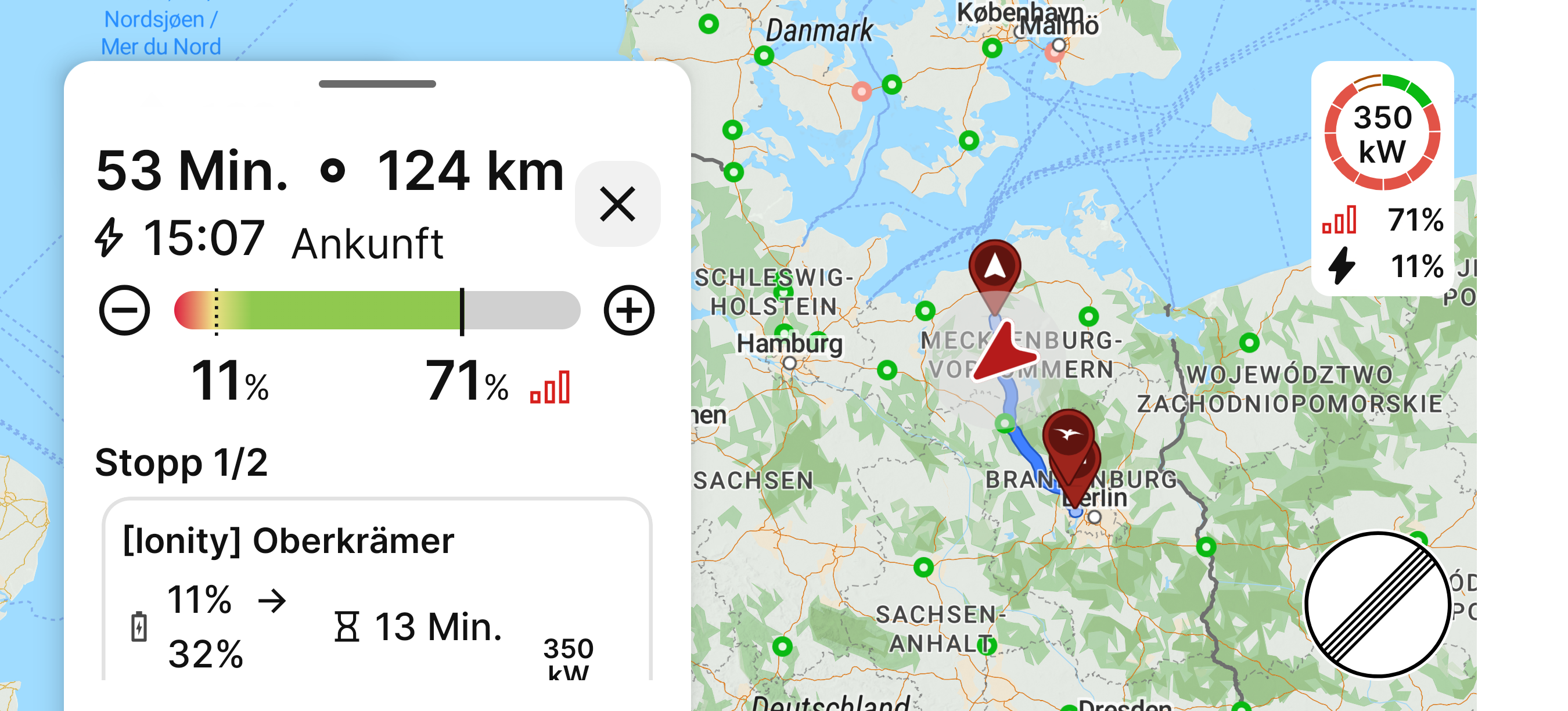
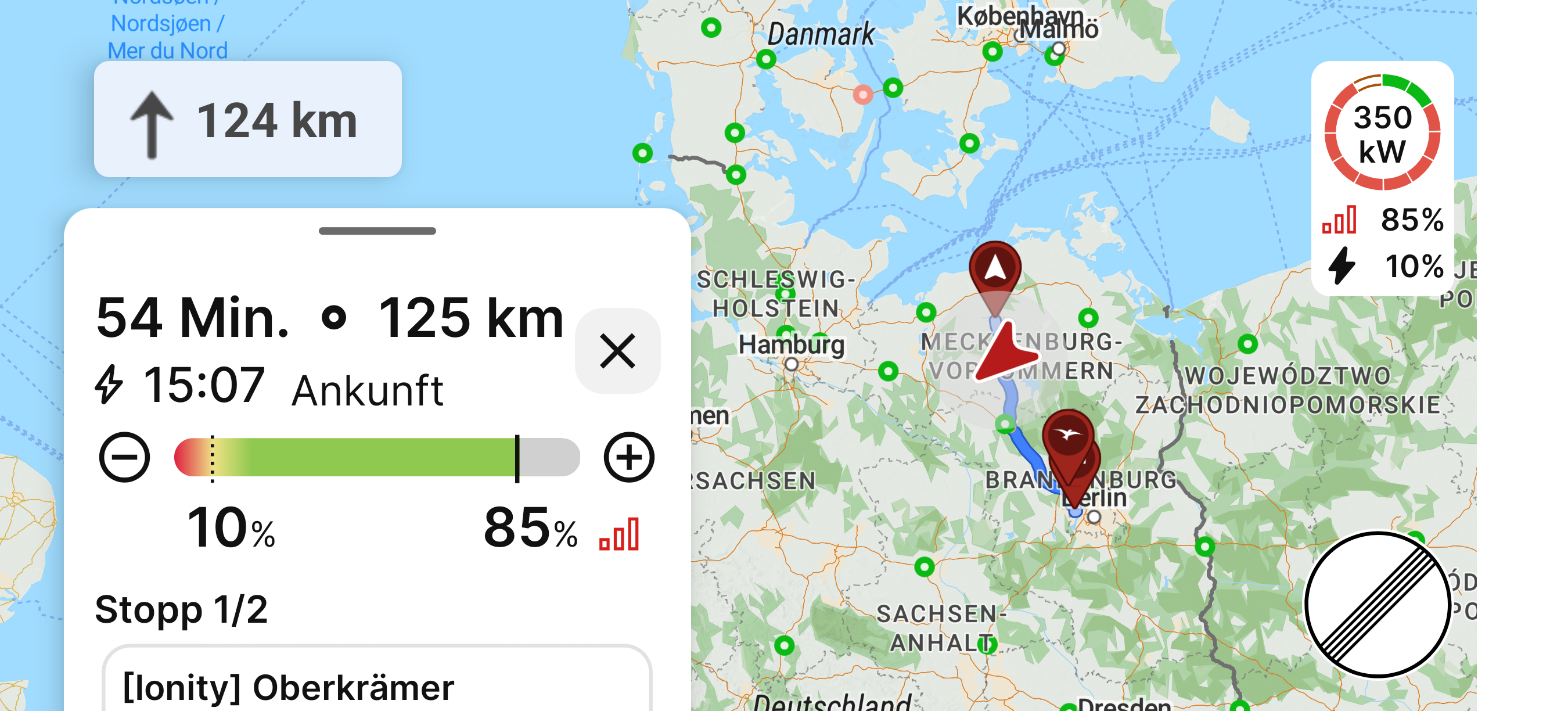
After each Manual correction of The soc, after a couple of mintues the soc jumped to the Last live soc value.
This should not Happen.
If live Data falls during driving and could Not be reestablish the Connection, the drivers Manual correction ist Always right.
So ist was Not useful.
I attach some Screenshots we're you can See my correction and the jumping back.
Please fix this.
- Where does this happen?
- ABRP version number (found at bottom of settings menu)
Log in to comment and vote
Comments3
Samuel_ABRP
Oct 27, 2025
Hi Matthias,
I investigated this a bit and could unfortunately not reproduce it. When I simulated failing OBD (or any other tlm source like Android Auto), it always has the right SoC after plan refreshes and keeps the offset, that is set with the +/- buttons.
The only situation where i could see, that we use the old SoC is, when you stop navigation and then start it again. Could as well be the case when the app is restarted. Did you do anything like that?
If this happens again, could you please send a bugreport immediately when you see the SoC jumping back to the stale value? You can enable the bugreport button at the bottom of settings and it will appear on the map.
Please let us know when you sent such a bugreport and we will check the data immediately.
Matthias
Oct 27, 2025
Hi,
I did not manually restart the application.
What might be happen, but I am not sure…
The MG4 has trouble with Android Auto. So it might be some kind of Android Auto switches on/off with the car.
But this I would not call a restart of the application or starting a new navigation or something like that.
If this will ever happen again, I will use the bug report button.
As so far, we can keep this as some weird behavior in connection with an unstable Android Auto Connection in a MG4.
Thank you for trying to reproduce it.
Linda ABRP
Oct 22, 2025
Hi
Thanks for reporting this. I will send this to a colleague and I will get back to you.