Issue with back button in 7.0 iOS app on MacBook M3
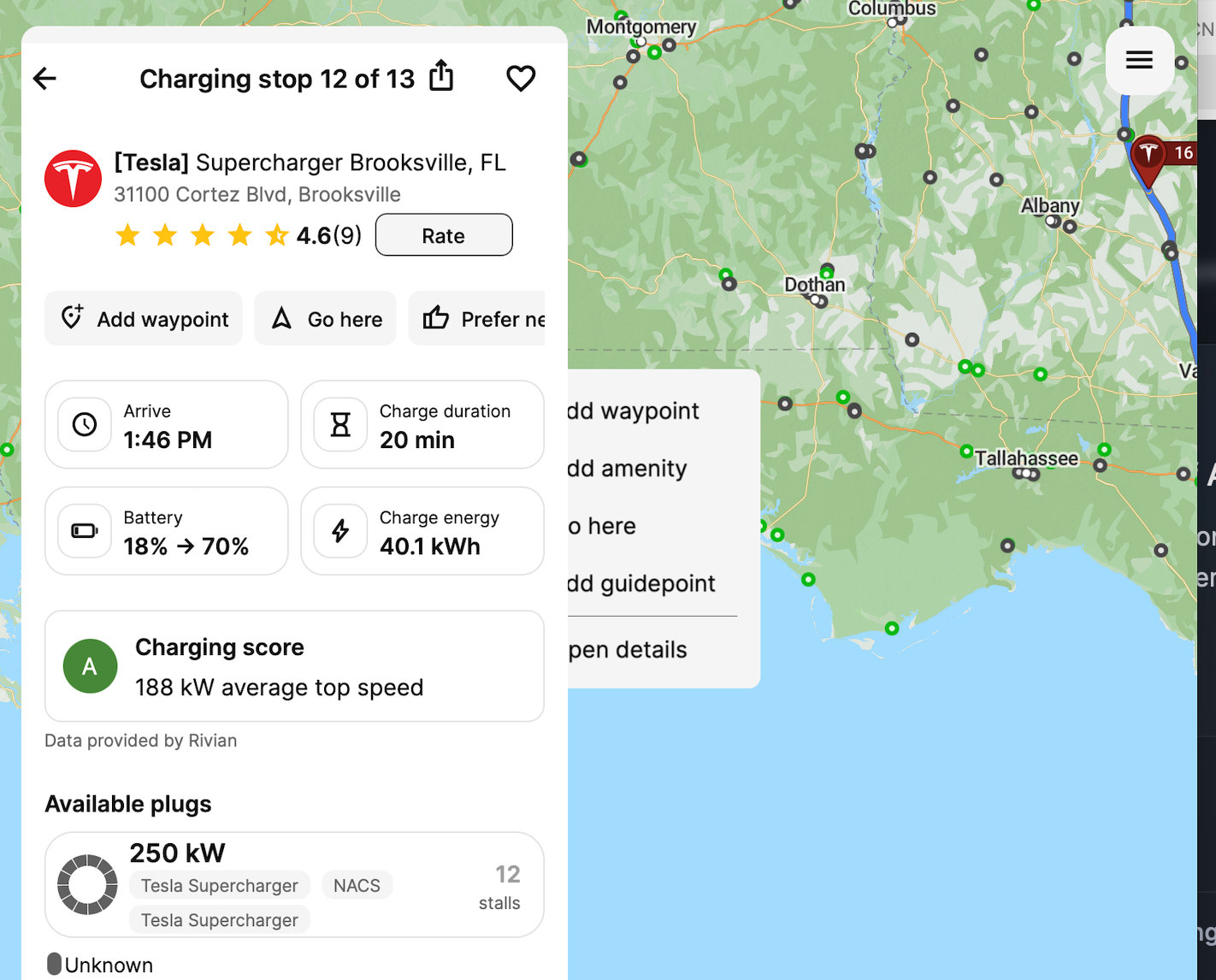
Download and run IPadOS ABRP version 7.0 on macOS 26.2 and Can’t get back to ‘route’ screen. Can do plan but left arrows don’t seem to be working correcty.
On the screen shot, clicking on the left arrow does nothing.
- Where does this happen?
- ABRP version number (found at bottom of settings menu)
Log in to comment and vote
Comments2
Jan 29
PinnedHi Jim,
Thanks for reporting this.
I can see the issue you're describing with the back button. It seems the clickable area is actually slightly to the right of the arrow icon.
The app you're using on your Mac is the regular iOS version, which Apple makes available on the Mac App Store. We haven't specifically optimized it for macOS, but we allowed Apple to list it for Mac users.
We'll review whether we should continue to offer the app on macOS in its current state.
ABRP User #2040010
Jan 29
Thanks for the response and I’ll try. I would for you to keep it as it allows me to do desktop planing prior to a trip, however the web version also works too.