iOS Home Screen Widget Location missing when using Enode
In iOS (18.3) settings, location for ABRP is set to ‘Always’, but the widget shifts between a background map of current (parked) location and this blue color.
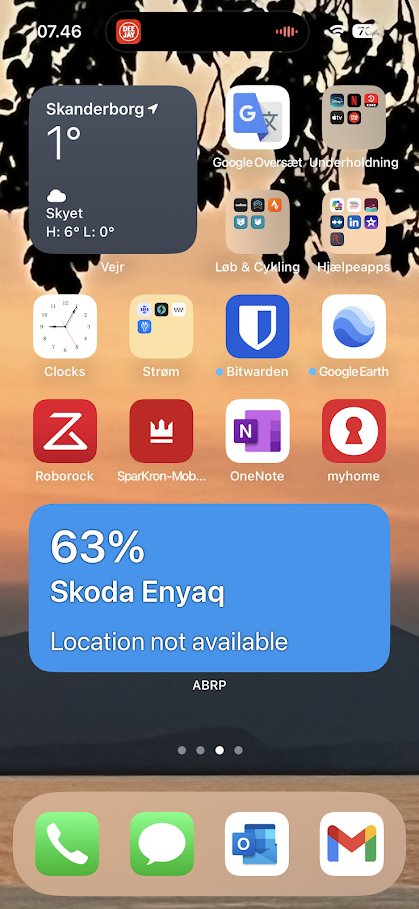
- Where does this happen?
- ABRP version number (found at bottom of settings menu)
Log in to comment and vote
Comments5
Marco etherton
Dec 21, 2024
Yes I did remove the connection and re add it. I can try again but is there another way to do it that I might be missing?
Katya S.
Dec 18, 2024
Hi @lilexecutioner,
What types of live data sources are you currently using?
Marco etherton
Dec 18, 2024
I am currently using enode.
For the widget this is what i’m constantly seeing. Right now i’m in the middle of the ocean so it’s just showing water. But usually it shows where my car is parked not where i’m located. I also went into the app to see if I could pinpoint to where the car is and it just keeps showing me my current location. it was not like this before the update it just recently stopped working correctly.
Katya S.
Dec 20, 2024
The blue background of the widget is not the ocean, it’s just the background used for the widget when we don’t get a location for the vehicle.
Since we don’t get any location data from the Enode connection at the moment we fall back to your device location.
Have you tried resetting the Enode connection?
Marco etherton
Feb 3, 2025
Yes I have and it’s still blue