Firefox (MacOS): Address fields are not displayed correctly
The first address field is displayed correctly when a new plan is created. Immediately after the first click on “Plan route”, the address fields are no longer displayed correctly. It is not possible to click in the fields.
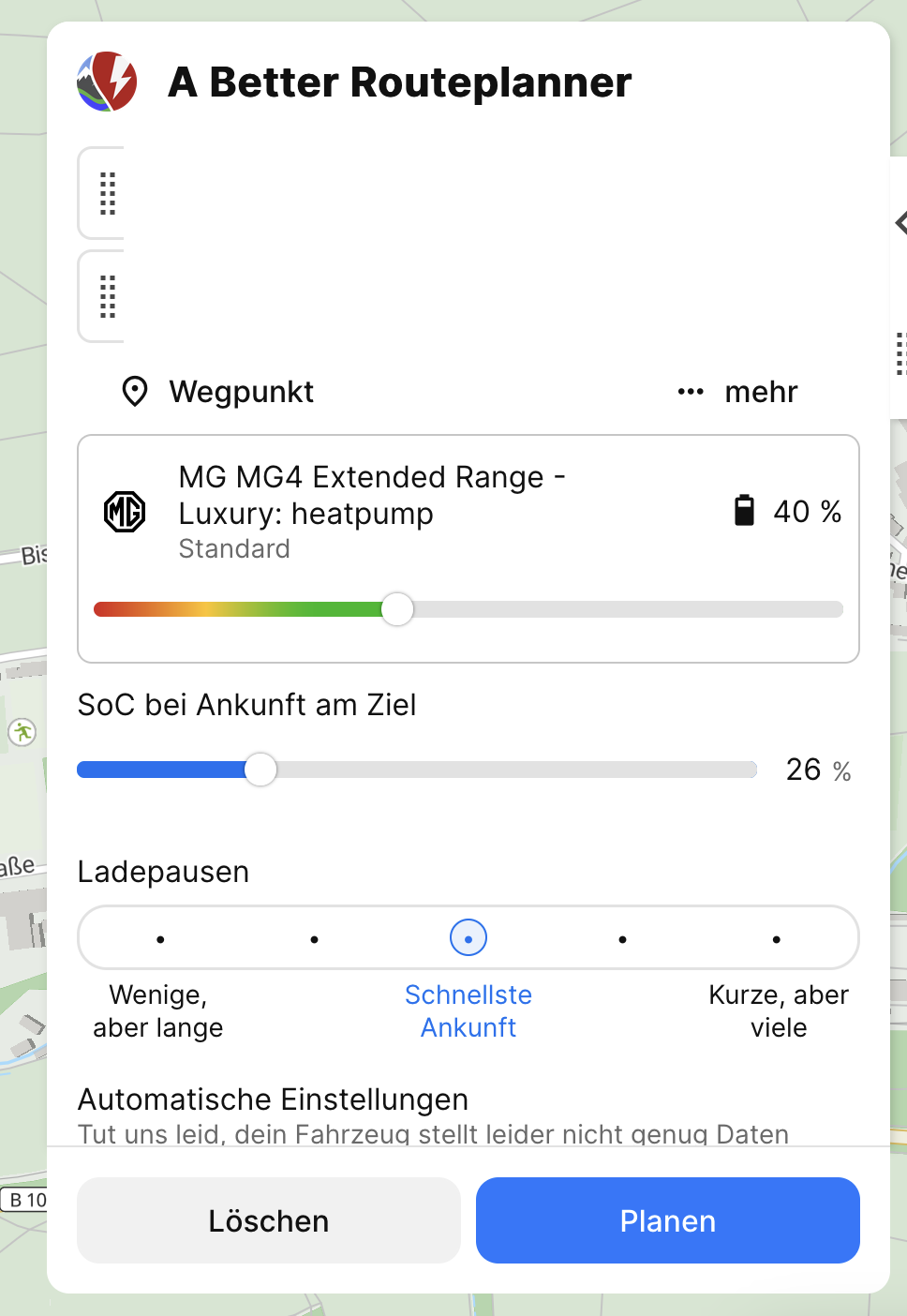
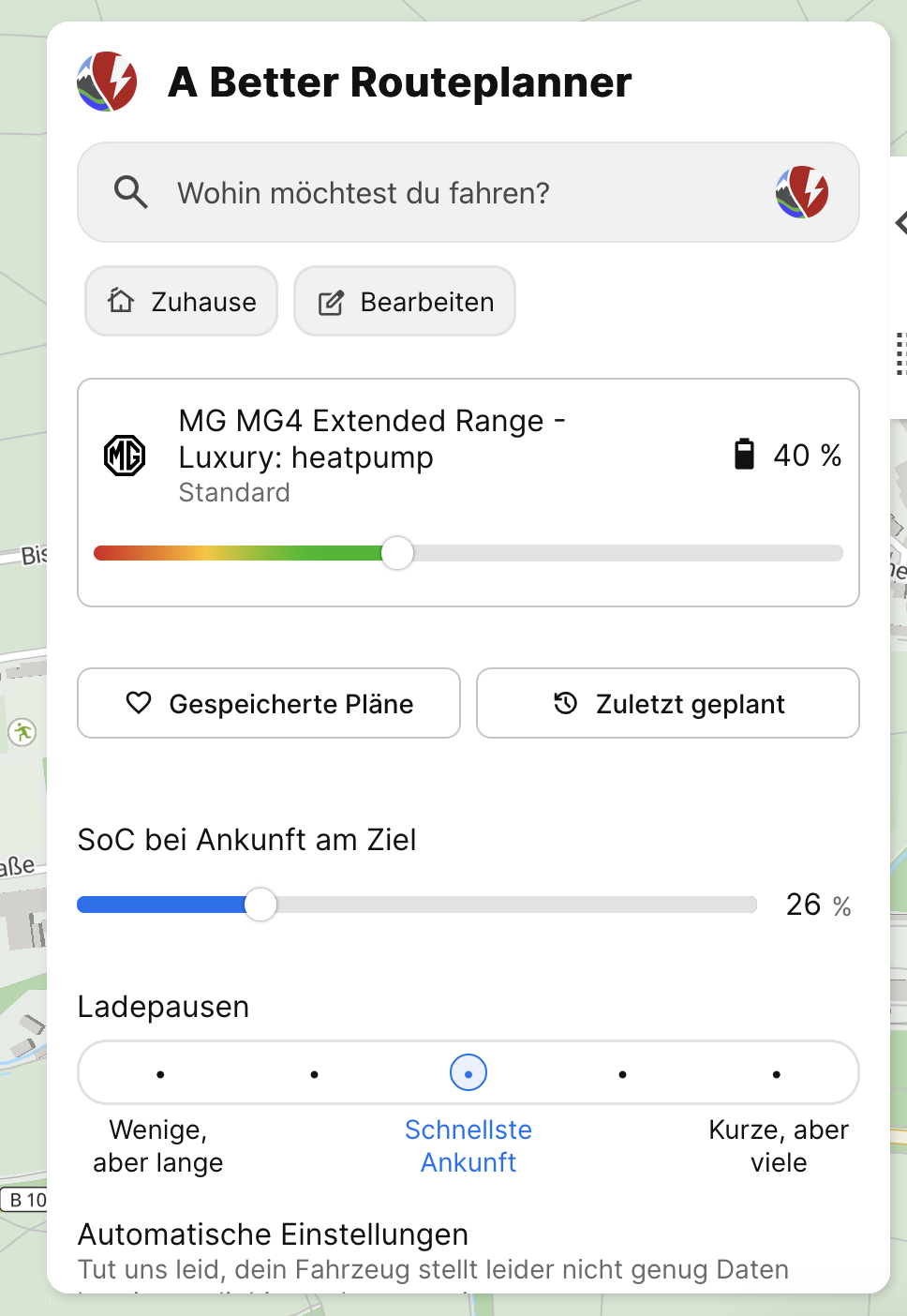
- Where does this happen?
Log in to comment and vote
Comments4
Dennis
Dec 19, 2024
Hi @Katya Skog - do you need anything else? The status is still “Awaiting clarification”.
Katya S.
Dec 20, 2024
I’ve looked at this, and I’m still not able to reproduce the issue on our end. If you have any additional details about how this happens please let us know.
Katya S.
Dec 16, 2024
Hi @Dennis,
What version of Firefox are you using?
Dennis
Dec 16, 2024
Hi,
Firefox: 133.0.3 (aarch64) (Tracking Protection for abetterrouteplanner.com disabled)
No Adblocker