Deeplinking to ABRP iOS App
🚧 THIS IS A TICKET MIGRATED FROM UPVOTY. The original ticket and comments will be available for a limited time over at:
https://abrp.upvoty.com/b/report-a-bug/deeplinking-to-abrp-ios-app/
———————————————————————————
Hi, I'm developing my personal iOS App and after getting some user specifications, I have all required queries for the deeplinking using an URL like the following URL;
https://abetterrouteplanner.com/?car_model=aptera:gemini:2021:23&plan_uuid=a7f8947a-f22a-4155-a8b5-07e8ed3537e3&destinations=[{“address”:“Lund, Skane County”,“lat”:55.70664,“lon”:13.1876},{“address”:“Stockholm, Stockholm County”}]
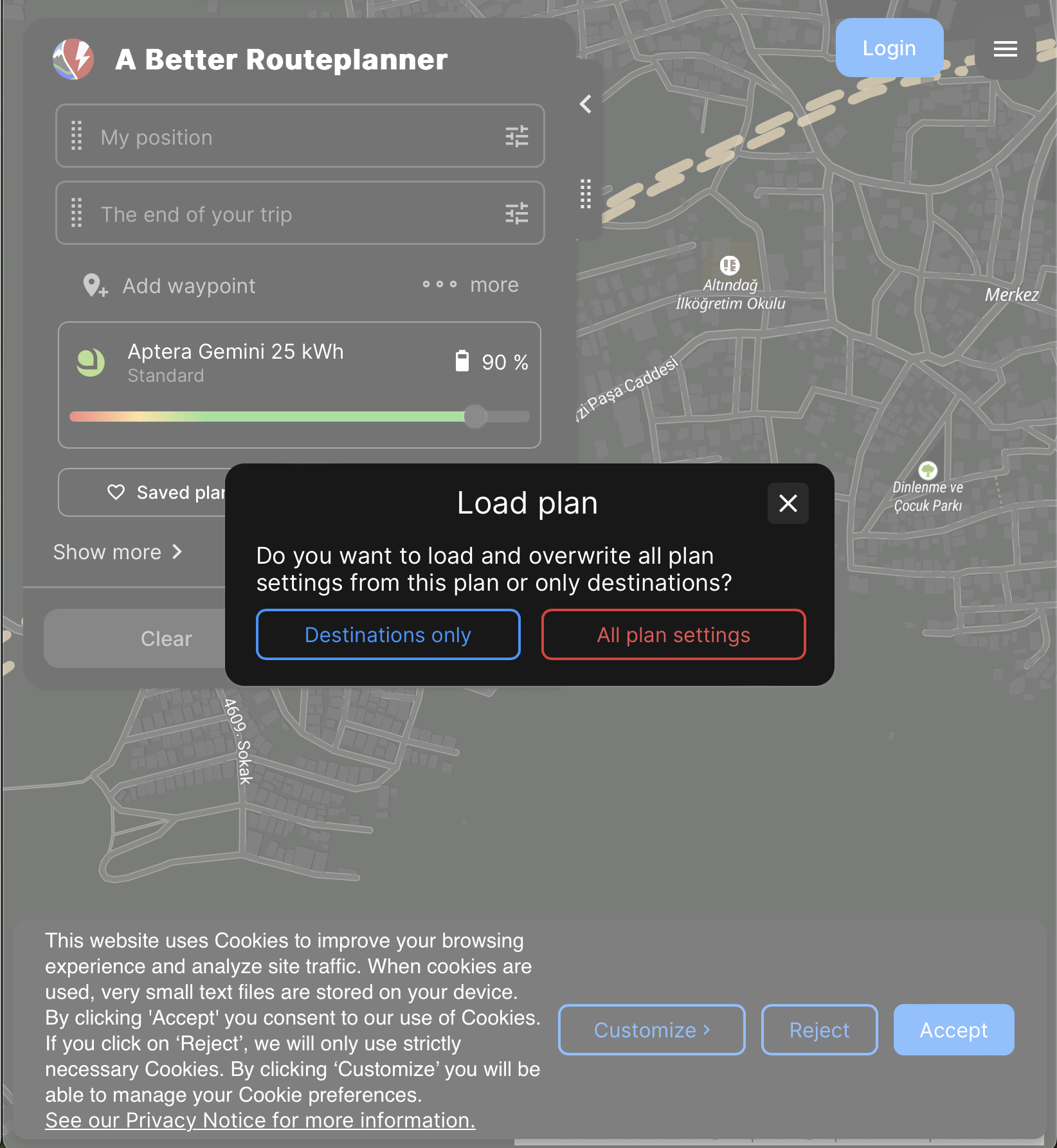
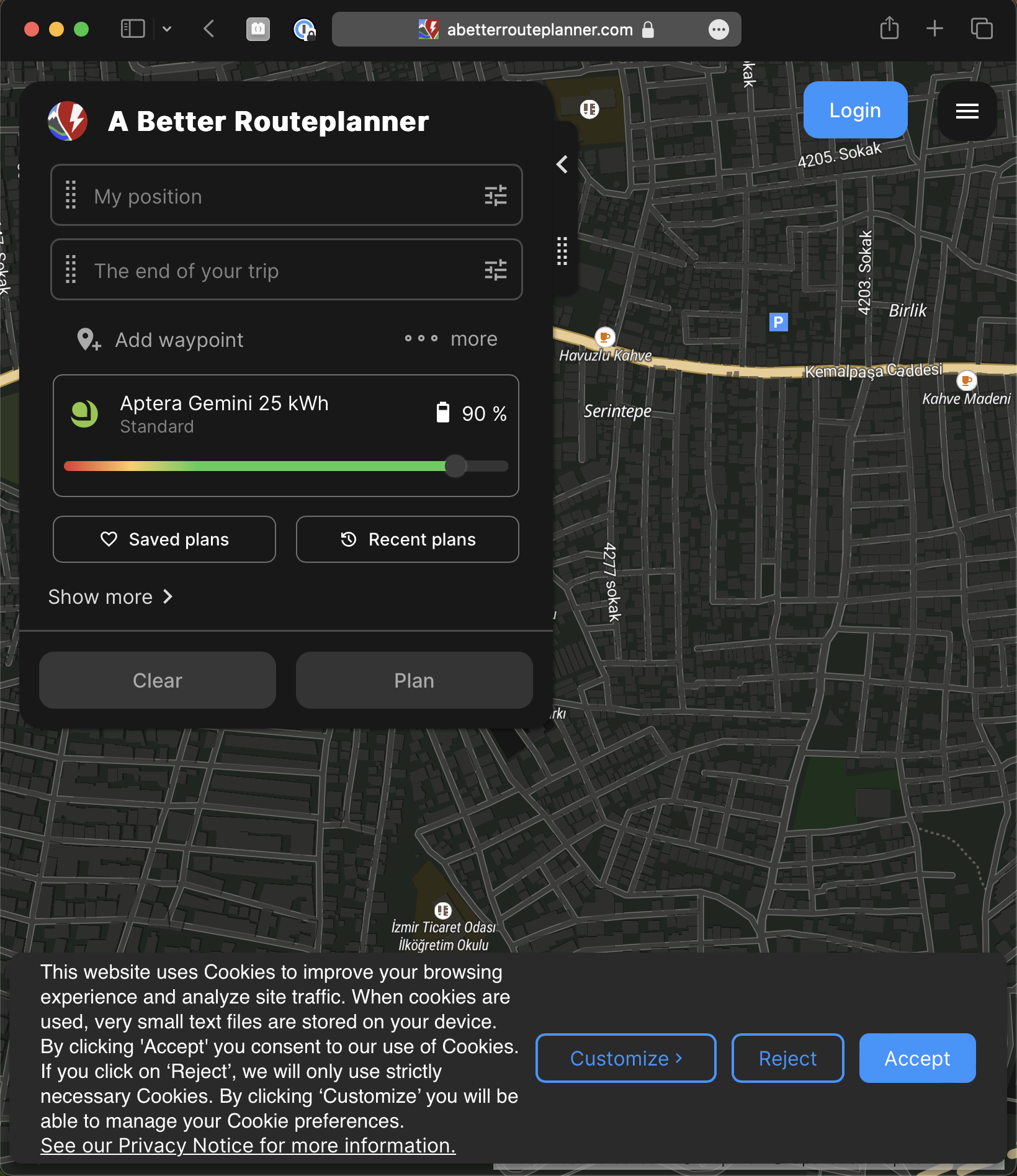
The problem is using that redirecting URL following the documentation (https://documenter.getpostman.com/view/7396339/TWDTNeds) it opens the ABRP web page or the iOS app if it's installed but don't show the planned route. It's asking 'Do you want to load and overwrite all plan settings from this plan or only destinations?' but both the Destinations only and All plan settings options tapping action doesn't show the planned route at all but just the default view of the ABRP map.
Status: In Progress
Log in to comment and vote
No comments yet
Be the first to share your thoughts.