Connecting new car with Tesla data
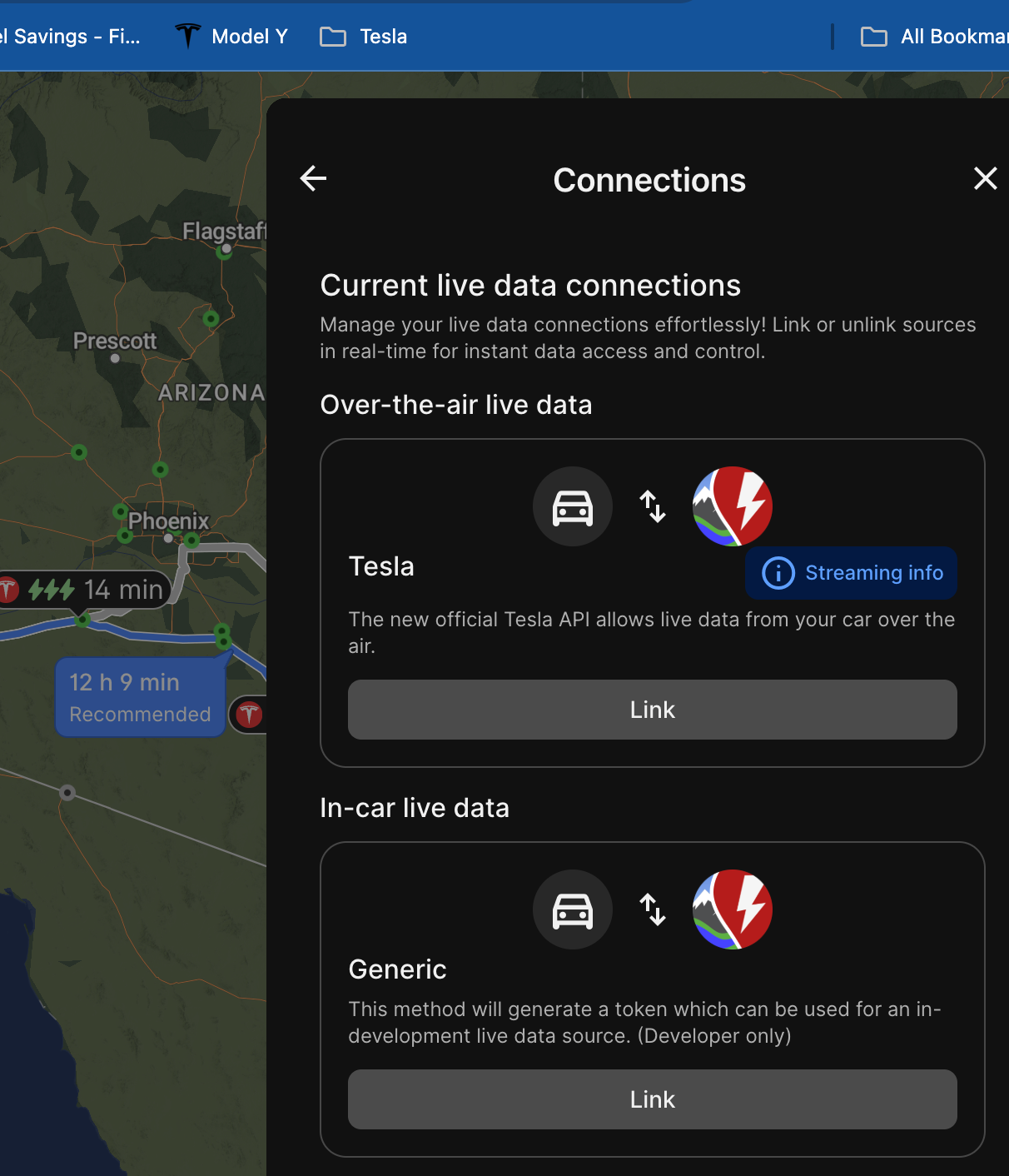
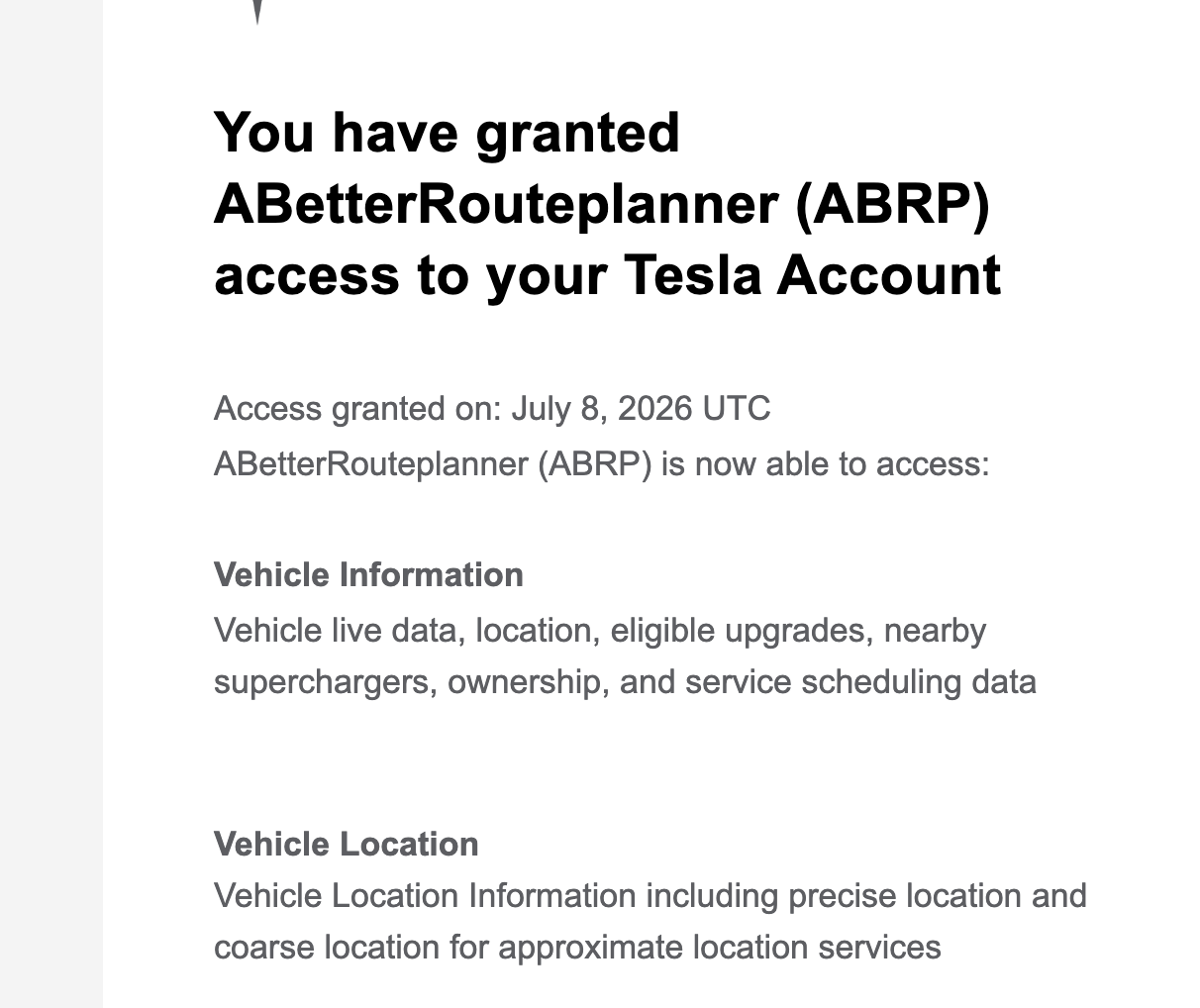
I have recently purchased a new Tesla. As such the link between abetterrouteplanner and Tesla was broken. I removed it from the Tesla side. When I went back to link it Tesla asked me to approve the 2 data streams and I did (attached). But abrp keeps showing no link. When I click on "link" it just flashes to the Tesla website and returns to abrp.
Any ideas on fixing this?
- Where does this happen?
- ABRP version number (found at bottom of settings menu)
Log in to comment and vote
Comments2
Jul 9
PinnedHello @ABRP User #239948,
We have found that it does not work currently with web version, but linking through iOS works so please try it and hear back to us. We will fix the issue so that it is possible through the web version too, thank you for reporting this to us!
Let us know your results when connecting via your iPhone.
ABRP User #239948
Jul 10
Worked on iOS. Thanks for the workaround.