Charge stop information
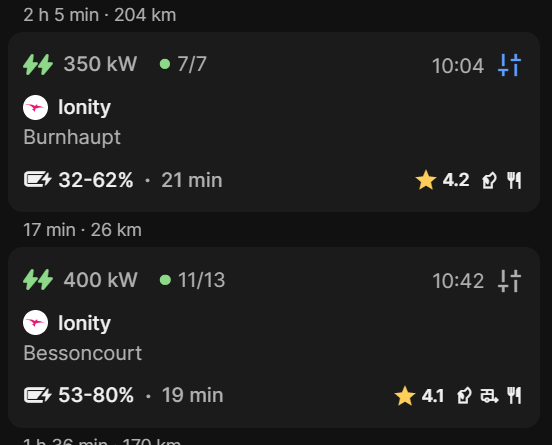
I have calculate a trip. Then I changed the charge-to-SoC value, Replan, then when I want to see information about that charge stop it gives med a search window.
See first pic with blue settings icon.
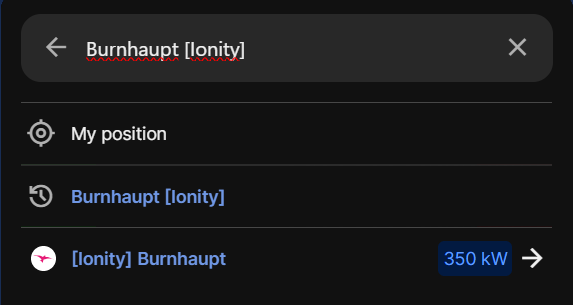
Below is what I get when click on charge stop Burnhaupt
- Where does this happen?
- ABRP version number (found at bottom of settings menu)
Log in to comment and vote
Comments2
ABRP User #182363
Feb 25
If I click on the icon in the map for this charge stop it will show correct information.
Linda ABRP
Feb 24
Hi
Thanks for reporting this. I have sent it to the developers.