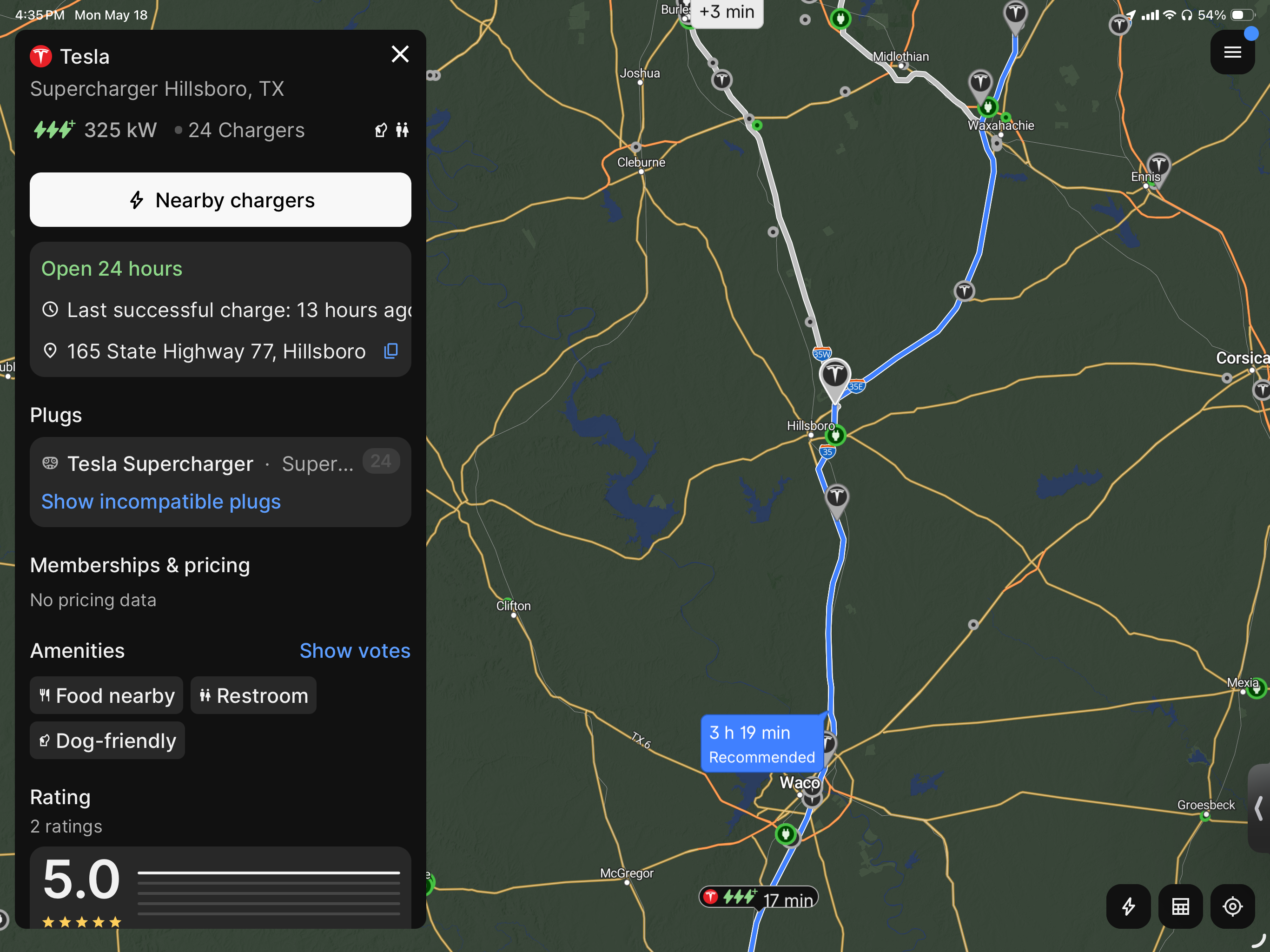
Could you please provide a link to the ABRP plan where this happens and also the specific charger that you are requesting help with
Mahde - ABRP
Team•
May 19
Hello @Andy,
Have you tried re-starting the app on your phone/removing it and logging in again or by resetting the cache on your web browser in computer and seen if you get other results?
Log in to comment and vote
Comments3
Mahde - ABRP
May 20
Hi @Andy,
Could you please provide a link to the ABRP plan where this happens and also the specific charger that you are requesting help with
Mahde - ABRP
May 19
Hello @Andy,
Have you tried re-starting the app on your phone/removing it and logging in again or by resetting the cache on your web browser in computer and seen if you get other results?
Andy
May 19
Yes