Login remote app, Camera / QR code login not working in 7.0 on Android
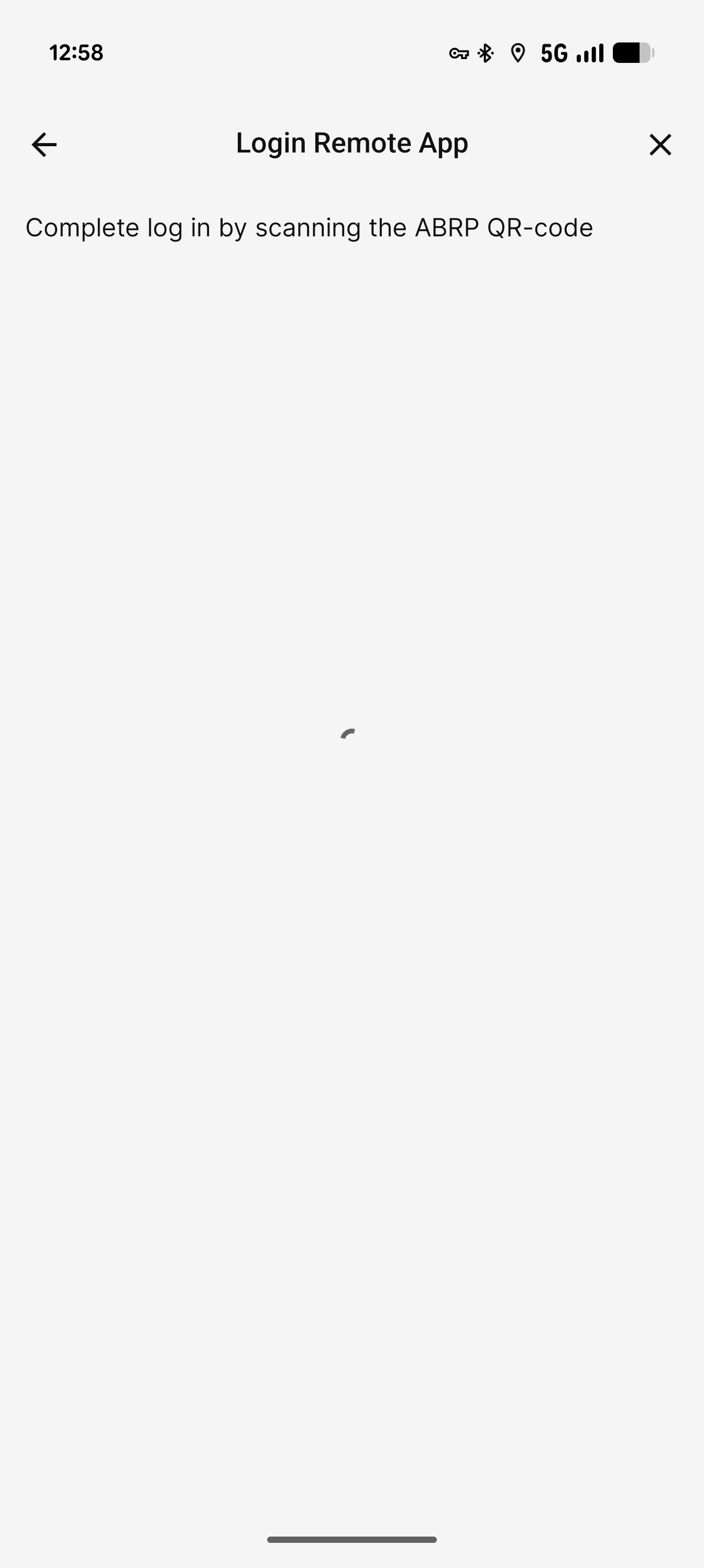
Intermittently the camera doesn't appear when trying to login by QR code. I have used this before in the past. Sometimes closing and reopening the app fixes it, sometimes it doesn't.
- Where does this happen?
- ABRP version number (found at bottom of settings menu)
Log in to comment and vote
Comments5
Jan 27
PinnedHi @Daniel J,
Thank you for reporting this. Have you ensured the ABRP app has the necessary permissions in Android settings? Such as camera access?
Do you mean that the camera appears only sometimes, or never?
ABRP User #1105348
Jan 27
Hi, yes, as mentioned, I have used it in the past. The app has the necessary permissions. Sometimes, it works. I've left the phone unlocked on that loading screen for a while and the camera eventually appears but it's not consistent. The only consistent thing is that the camera never appears immediately.
Katya S.
Jan 27
Got it. I’ve passed this information along so we may investigate further.
ABRP User #1105348
Jan 29
I've noticed today that if I go to the QR code login, that loading screen appears. If I lock the phone, wait a bit then unlock it, the camera appears as it should.
Lukas
Jan 28
Hi, I’m experiencing the same issue, but in my case it never works.
Device: Google Pixel 8, Android (latest), ABRP 7.0.
Since updating to the new app version, the camera never appears on the QR login screen.
Camera permission is granted and QR login worked reliably in previous versions.
Waiting on the screen or restarting the app does not help.