Mahde - ABRP changed status to Awaiting Clarification
Team•
Jul 9
Pinned
Hello @Till ,
Can you show us the plan options screen when you press “Options” in your completed plan? Example in red circle on where to press and the pop-up screen:
Till
•
Jul 9
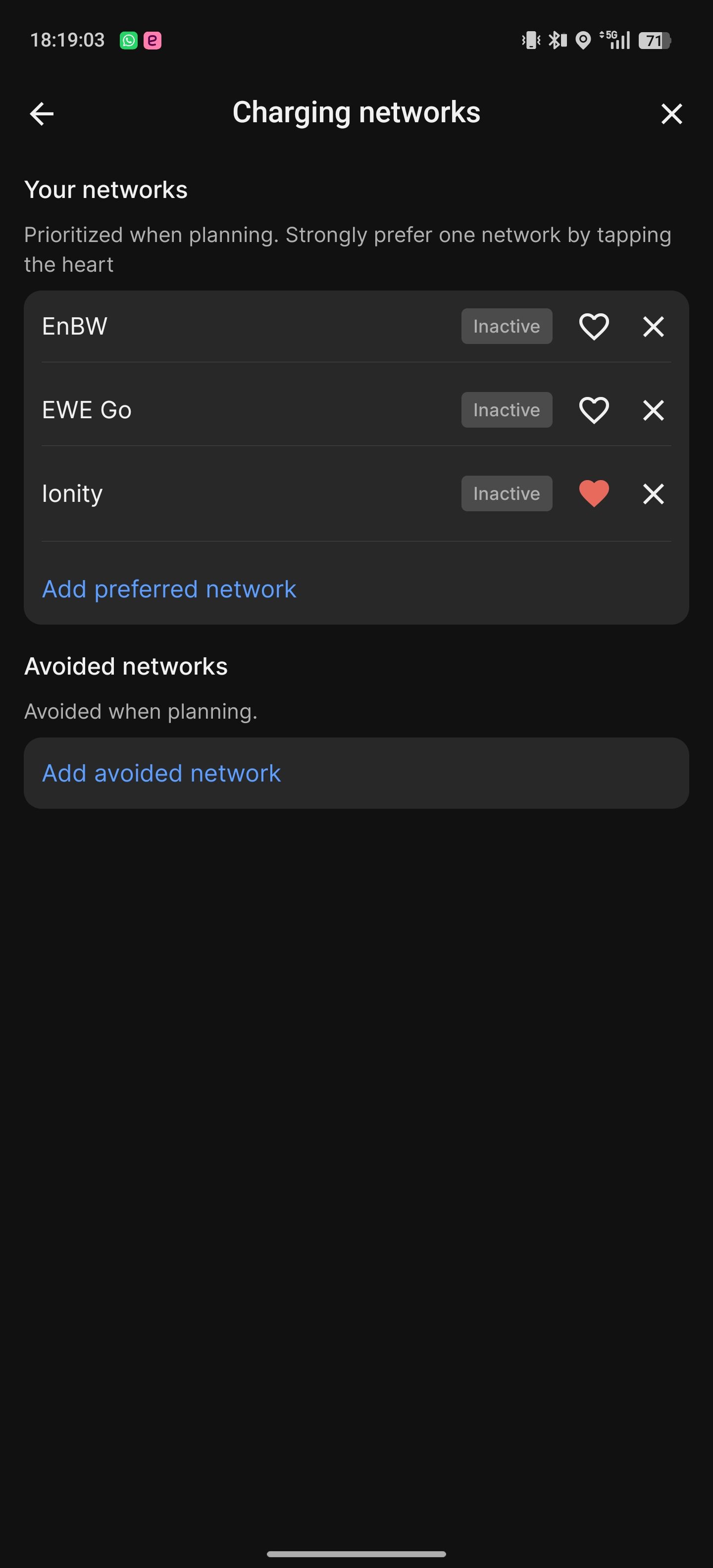
Hey Mahde, my networks were disabled there. Sorry, missed that setting. Maybe you could add that to the documentation though. Thank you!
Mahde - ABRP
Team•
Jul 9
We agree that we should add documentation for this to make it easier. Thank you for the feedback!
Log in to comment and vote
Comments3
Jul 9
PinnedHello @Till ,
Can you show us the plan options screen when you press “Options” in your completed plan? Example in red circle on where to press and the pop-up screen:
Till
Jul 9
Hey Mahde, my networks were disabled there. Sorry, missed that setting. Maybe you could add that to the documentation though. Thank you!
Mahde - ABRP
Jul 9
We agree that we should add documentation for this to make it easier. Thank you for the feedback!