2026 Lexus RZ350e ODBLinkCX failed to Connect
Purchased ODabLinkCX. Based on ABRP website. “Car Connection Status” with Connection is not established message. What is wrong and when will this be fixed?? See screen shots attached.
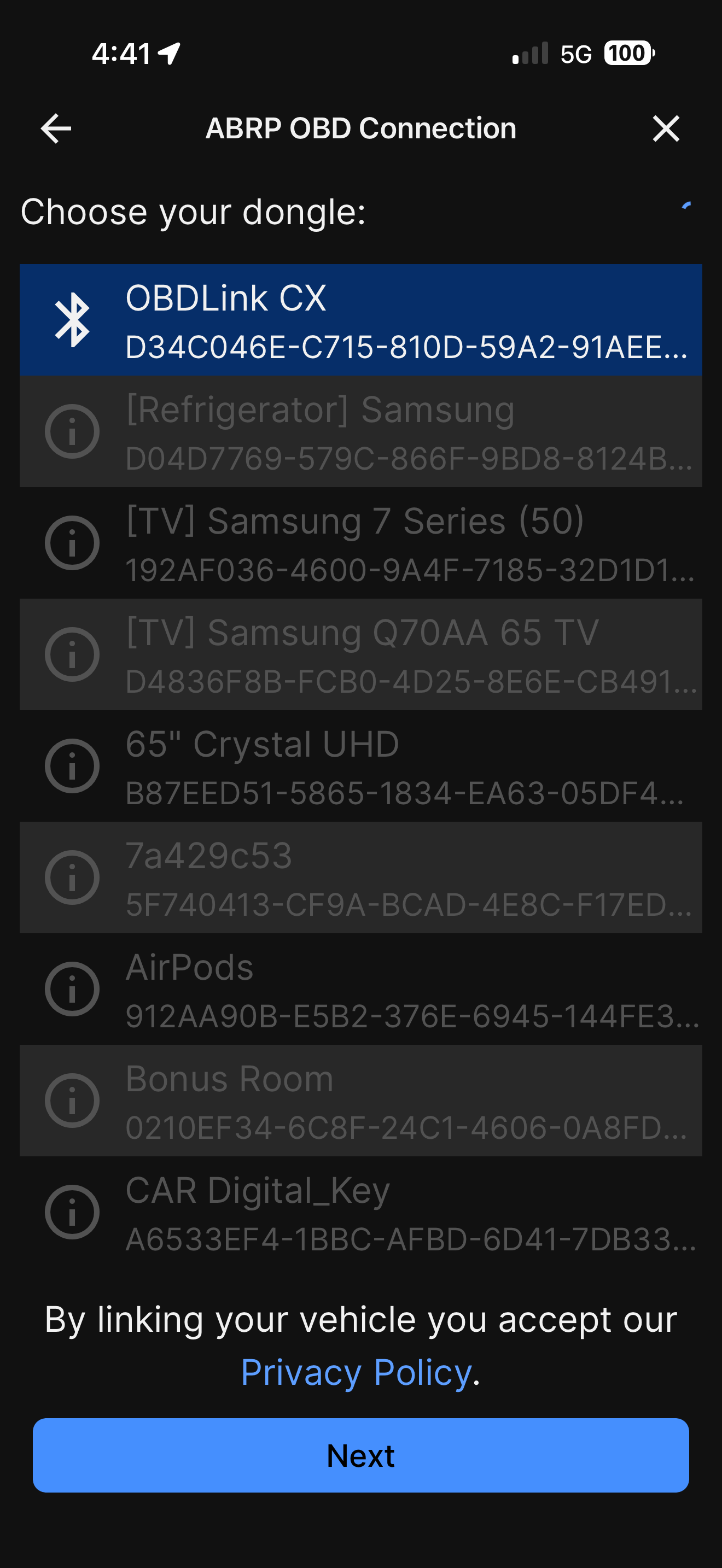
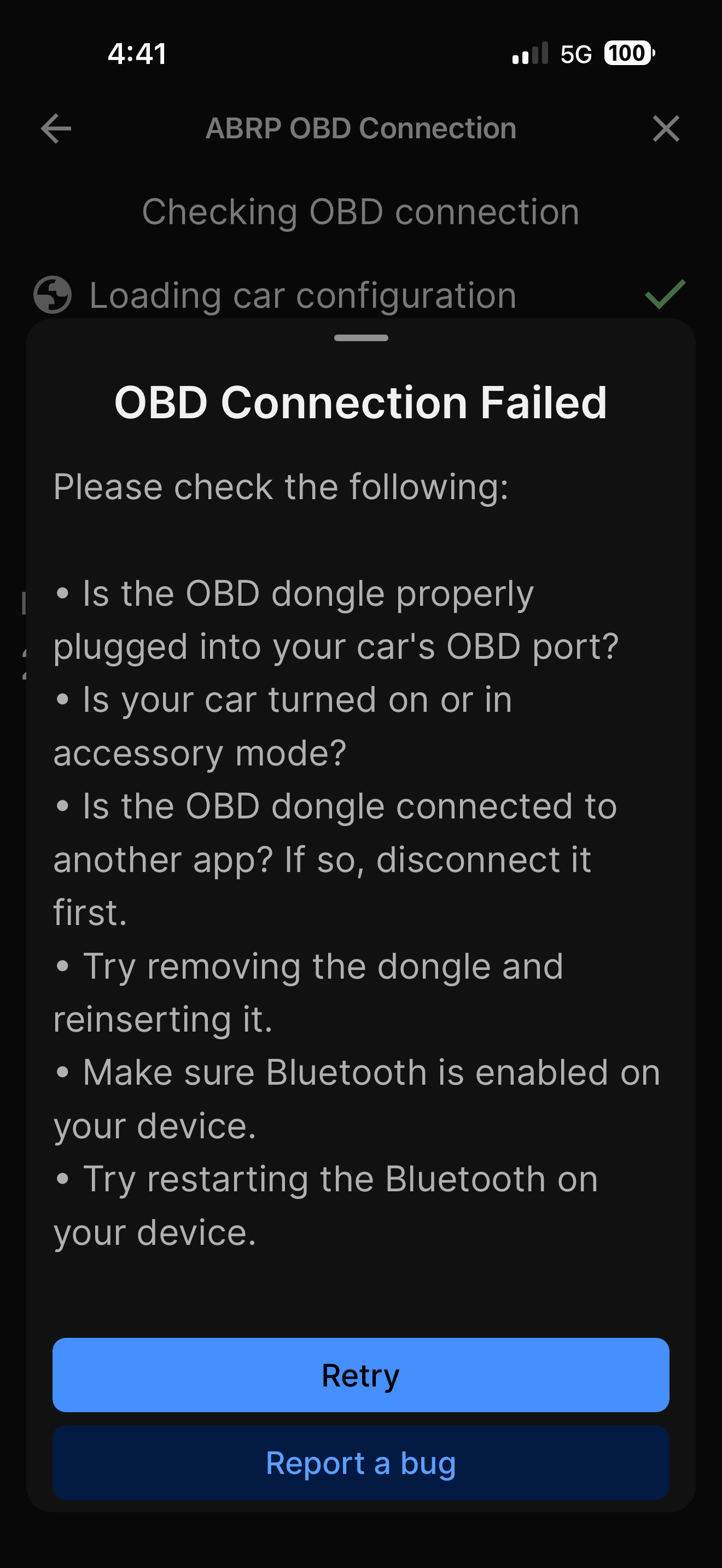
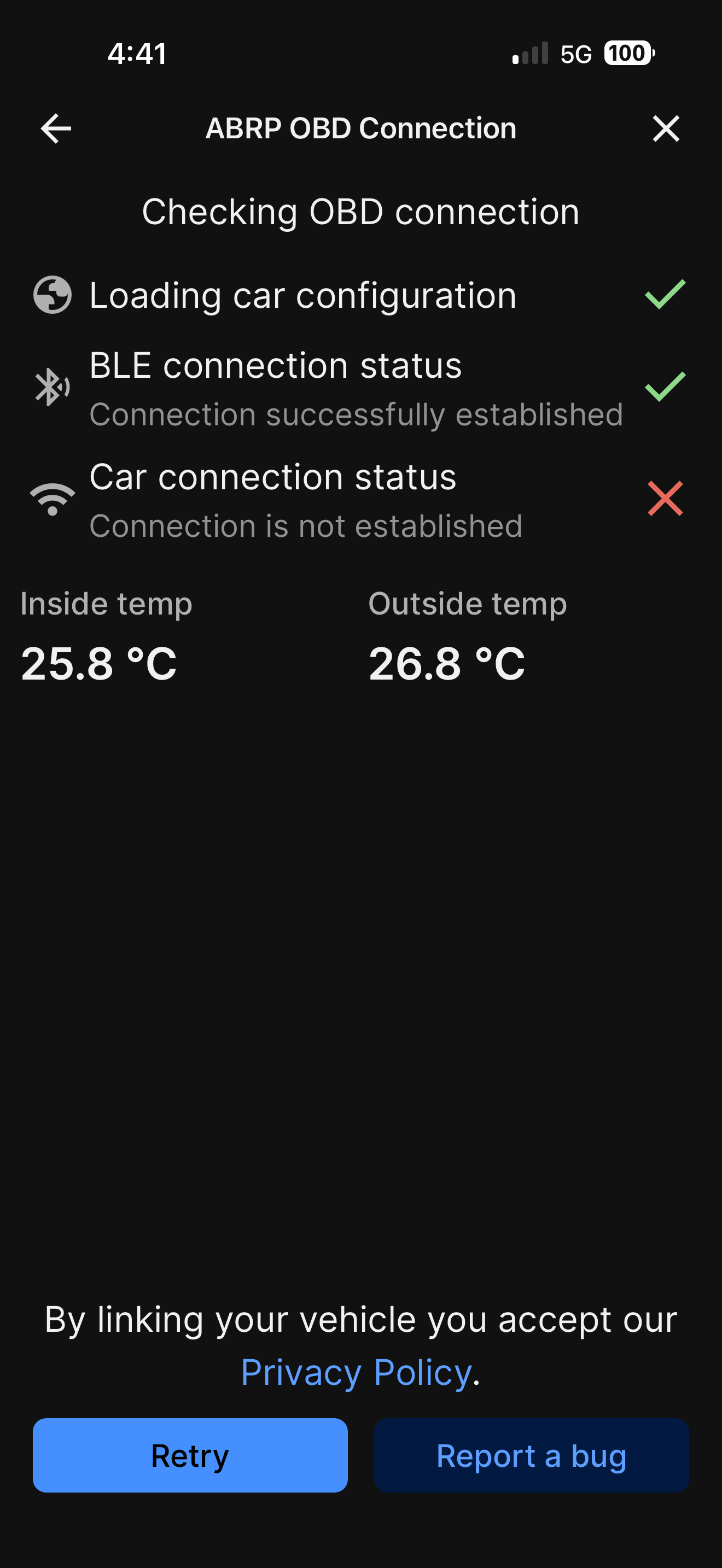
- Where does this happen?
- ABRP version number (found at bottom of settings menu)
Log in to comment and vote
Comments13
May 28
PinnedHello @Denny Lewis,
To help us figure out what happen we need you to send a bug report. First you need to enable the bug button in the settings. Go to the settings and then “Display & Appearance” and turn “Bug report button” to be enabled.
The bug button will show on your screen in the start menu of ABRP when closing the settings (looks like a bug creature on bottom right corner). When the OBD is connected to your car and the car is in drive mode click at the button. Then let me know when you have done this.
ABRP User #1724861
May 28
Is there a file that is created? I leave the ODBLinkCX connected to the car all the time but since I cannot get a connection to the car, how will a bug report be generated? How will I know what to send and where to send it to? Thank you for the support but need more instruction.
ABRP User #1724861
May 29
Denny Lewis
•
About 3 hours ago
I have done this already and when I’m driving with the dongle attached to the ODB port which will NOT successfully connect through the app as I have already informed you. When I hit the bug button, a small white window at the bottom appears and then disappears with no file, next steps, or function. I have no idea what you need or how to get it. ABRP knows this doesn’t work for this model but for some reason cannot fix it.
Mahde - ABRP
Jun 1
If you have already clicked on the bug report button then we will have received the information regarding your connection. Could you do it again for us in order to get latest information?
ABRP User #1724861
Jun 1
This has just been completed again. I am not sure what you are getting as the ODB connection has not been successful. I have no idea what you were being sent or how you will determine what the problem is. Why will the ODB link CX not work when I select my vehicle? This is the root cause. No connection. Why? if my vehicle is loaded as you say, it should work with no issue. This was my experience in my 2024 Toyota BZ4X. This is maddening.
ABRP User #1724861
Jun 1
In lieu of gaining insight on how to pull any data for you. I saw there is a way to test the PID’s. There is a “SAVE” button at the bottom of the screen but it either doesn’t work or at least doesn’t tell me where a file is saved. So I have attached all the screenshots of the PID results. This is a lot of images but there are several that state cannot parse data or no data or ok. I will your assistance to understand and then perhaps you can figure out how to support the connection to my 2026 Lexus 350e or I will need my money back from this subscription.
I can only pick one image at a time. I will figure out a way to get a file to you that has all the images or perhaps you can tell me where this “save” button puts a file, if it works at all.
ABRP User #1724861
Jun 2
Any follow up on this item please? ODB connection still not working.
Mahde - ABRP
Jun 2
We need to check the bug report that you have sent in to us before we can confirm when the connecting will work again. We received your images in our other support mail and will look at them for the issue aswell.
Mahde - ABRP
Jun 3
If you go to Vehicle section in ABRP, you can see that you have Lexus selected but then added it as actually being Subaru Solterra which collides with your connection. Please revert the Vehicle in details to your Lexus RZ model and try connecting again.
ABRP User #1724861
Jun 3
I am aware of this. I showed this as the Subura Solterra will actually make a success connection with my 2026 Lexus RZ 350e. When I select the 2026 Lexus RZ350e as shown below, the connection does not work as in my original post. I was looking for any Toyota family that might work. None did until I stumbled on Subaru.
The Subaru connects, however, the telemetry is limited and the SoC does not continue to update after the successful connection is made.
I was hoping there was something in the Subaru Solterra that would allow you all to figure out why the 2026 Lexus RZ350e doesn’t work.