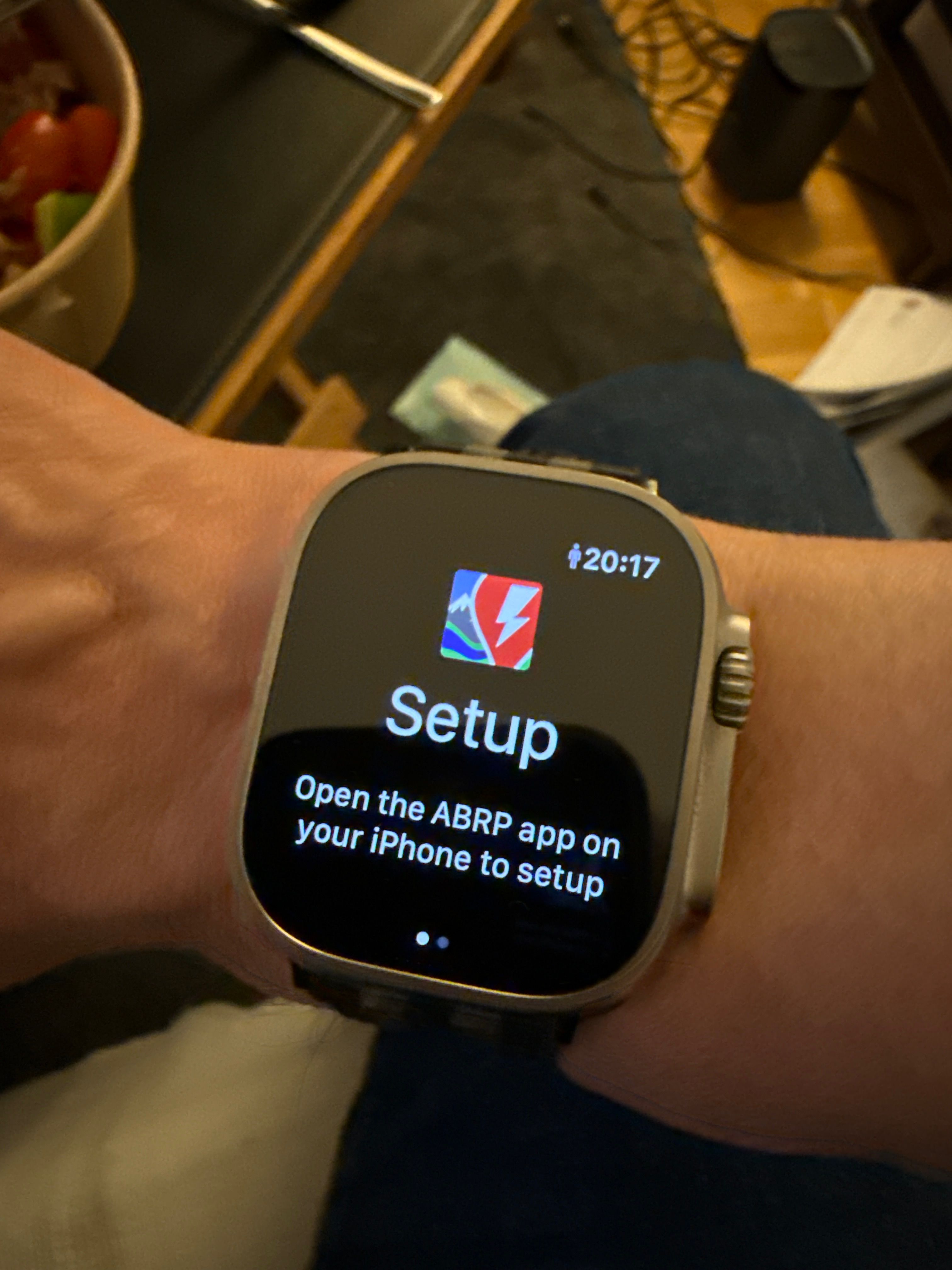
Apple Watch Complications didn’t run🤔QuestionsMar 26, 2025I use a iPhone 16pro, iOS 18.4(22E239) and a Apple Watch Ultra 2 WatchOS 11.4 (22T250)With all the Tips from the FAQ, included the deinstalling from ABRP (both iPhone and Watch)Where is my fault?Posted by Birger · Mar 26, 2025Status: Completed2 comments1
Log in to comment and vote
Comments2
Linda ABRP
Mar 27, 2025
Hi
Please try these steps
Uninstall the ABRP phone app. This also deinstalls the ABRP Watch app.
Install the ABRP app on the phone again, but don't login yet. Allow Bluetooth connection etc.
Install the ABPR app on your Watch. Make sure the ABRP app is visible on the watch.
Open the ABRP watch app. Just watch it.
While the ABRP watch app is open, open the ABRP app on the phone and log in.
Please wait. The process can take a minute. After this, the watch app connects and shows data.
Birger
Mar 27, 2025
Top! Thank you!